Diagnose collision and LOD faults without guessing
Change one asset at a time and keep a known-good copy. The owned asset lab includes a good drawable and two deliberately faulty variants. All were exported and reopened successfully. That is the point: a parseable asset can still contain the wrong geometry or collision.
Download the development fixture and its source. The faulty files are in reference-not-streamed/, not active by default. Use only an isolated development server and the Legacy/Gen8 target for which they were created.
Fault 1: collision does not match the visible prop
The good collision spans X −0.3 to 0.3. The faulty export moves the collision by 0.7 metres, producing reopened bounds approximately 0.4 to 1.0. The visible mesh remains in its original location. These values are recorded from the serialized drawables in the binary report.
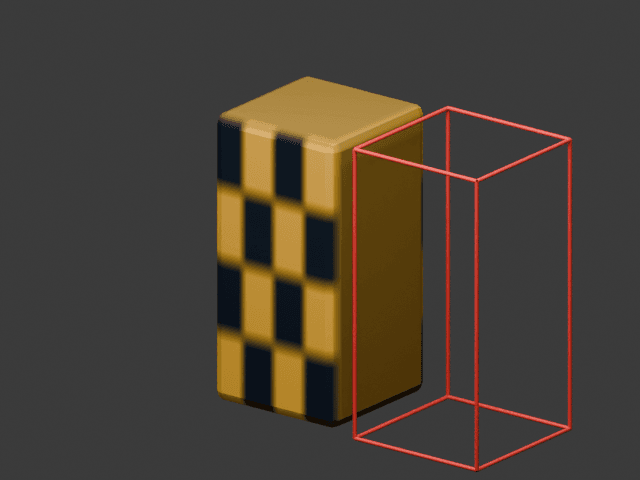
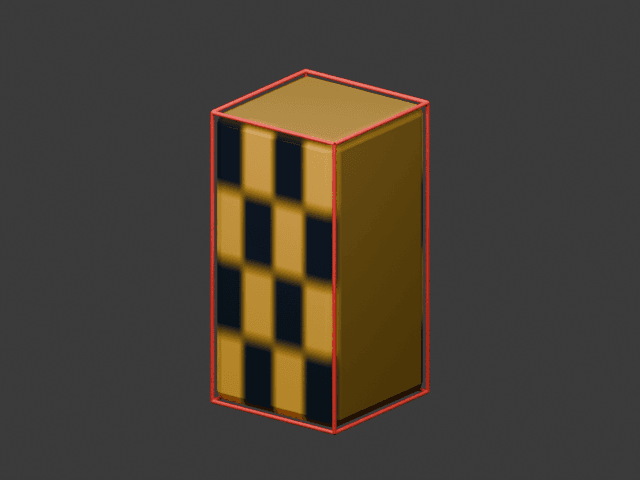
Both images are actual Blender renders of the generated authoring geometry with diagnostic outlines. They are not in-game screenshots or a claim that physics was tested in FiveM.
In the source generator, the deliberate fault is composite.location.x = 0.7. Restoring it to zero before exporting aligns the box with the mesh. In your own asset, inspect the hierarchy, applied transforms, collision shape and material flags; do not “fix” an offset by randomly changing the world placement of an otherwise correct drawable.
Fault 2: a lower LOD changes shape
The good high LOD has 108 triangles, and the low LOD has 12. Both represent the same overall dimensions. The bad-lod variant doubles only the low mesh’s height: a distant transition can therefore change the silhouette even though both meshes exist and pass a parser check.
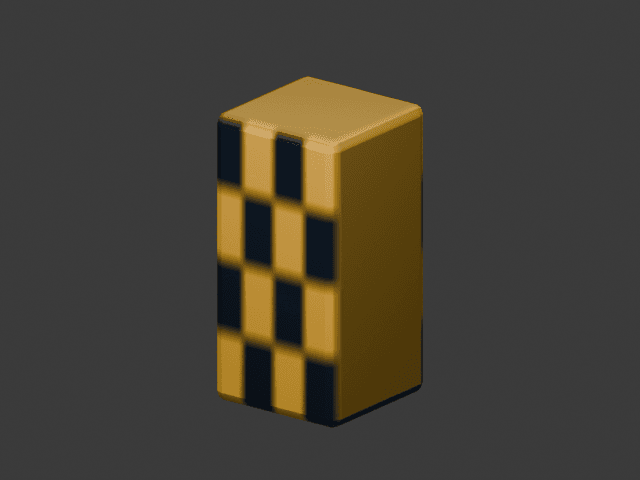
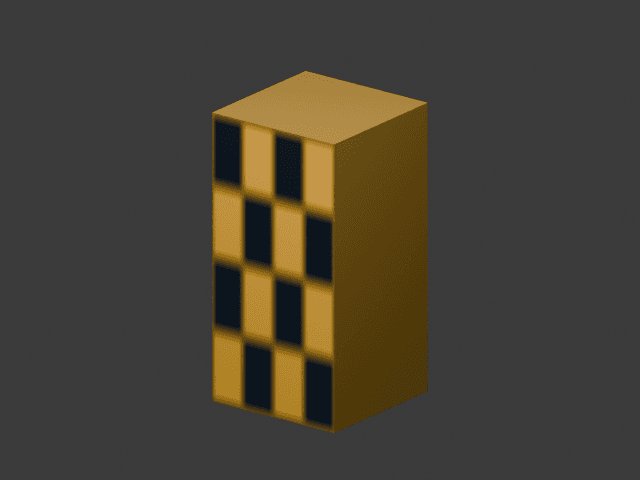
Authoring renders of the good high and low meshes. The faulty low mesh is provided separately; these images do not simulate an in-game distance transition.
The source assigns LOD distances of 30, 60, 120 and 180 for this small fixture. These are deliberate test values, not recommended global settings. Measure the actual transition on the target build; camera, streaming and archetype settings also matter. Do not solve a missing lower LOD by raising every draw distance indefinitely.
Reproduce one variant, then restore it
- Stop
fd_asset_laband back up the goodstream/fd_lab_bollard.ydroutside the active resource. - Copy exactly one inactive variant over that filename. Keep the same name because the archetype still refers to
fd_lab_bollard; do not leave multiple active files with conflicting identities. - Restart the resource and reconnect the test client when necessary to ensure it is using the changed asset. Confirm the file hash rather than assuming an old cached view proves the new export is wrong.
- Observe collision from several sides for
bad-collision, or approach/recede through the LOD ranges forbad-lod. Record actual results and screenshots against the artifact/game build. - Stop the resource, restore the original good YDR, restart and repeat the same observation. Test variants independently.
Never stream the separate reference YBN alongside the embedded collision as a supposed repair. The default fixture already has an embedded collider; the standalone YBN exists to demonstrate the format and inspect its bounds, not to add a second active collision source.
Follow the symptom to the correct layer
| Symptom | First inspection | Evidence to collect |
|---|---|---|
| Model name is invalid | YTYP registration, archetype/asset names, resource startup | Manifest, exact filenames and first complete error. |
| Model loads without its texture | Shader sampler name, YTD dictionary, texture name and mips | Inspector screenshot and loaded texture entries. |
| Invisible barrier beside the prop | Collision transform/bounds versus drawable transform | Numeric bounds plus matched authoring/game views. |
| Collision seems doubled | Embedded versus separately streamed physics | Inventory of active collider files; remove only the unintended duplicate in staging. |
| Distant shape changes or disappears | LOD meshes, dimensions, distances and archetype bounds | Same camera path before/after, active file hashes. |
| Command-spawned prop works but map placement does not | YMAP entity/archetype names and extents | Verify the fixed placement independently of the local spawn command. |
Acceptance and rollback record
Store input/output hashes, tool versions, whether binary reload passed, and whether the actual game reproduced and resolved the fault. Keep these as separate fields. This project’s report explicitly has gameEngineValidated: false; the export and render pipeline cannot certify physics by itself.
Stop the lab, remove any local spawned object through the toggle or resource cleanup, restore the good file and remove the test resource when finished. For an Enhanced target, use the migration checklist and conversion workflow before repeating the tests.
Sources: official collision guide , official LOD guide , fixture binary evidence.