Vehicle Colours
Vehicle colours are used to change the paint of vehicles. Use these IDs with
natives like SetVehicleColours, SetVehicleExtraColours, and GetVehicleColours.
Read the current primary, secondary, pearlescent, and wheel values before changing
them when the resource must later restore the original appearance.
Quick Usage
-- Set primary and secondary colour
local vehicle = GetVehiclePedIsIn(PlayerPedId(), false)
SetVehicleColours(vehicle, 12, 0)  -- Metallic Black + Metallic Black

-- Set pearlescent and wheel colour
SetVehicleExtraColours(vehicle, 27, 0)// JavaScript equivalent
const vehicle = GetVehiclePedIsIn(PlayerPedId(), false);
SetVehicleColours(vehicle, 12, 0);
SetVehicleExtraColours(vehicle, 27, 0);All Vehicle Colours
Official source · Snapshot: · Download complete JSON
159 of 159 entries
| Preview | Index | Name |
|---|---|---|
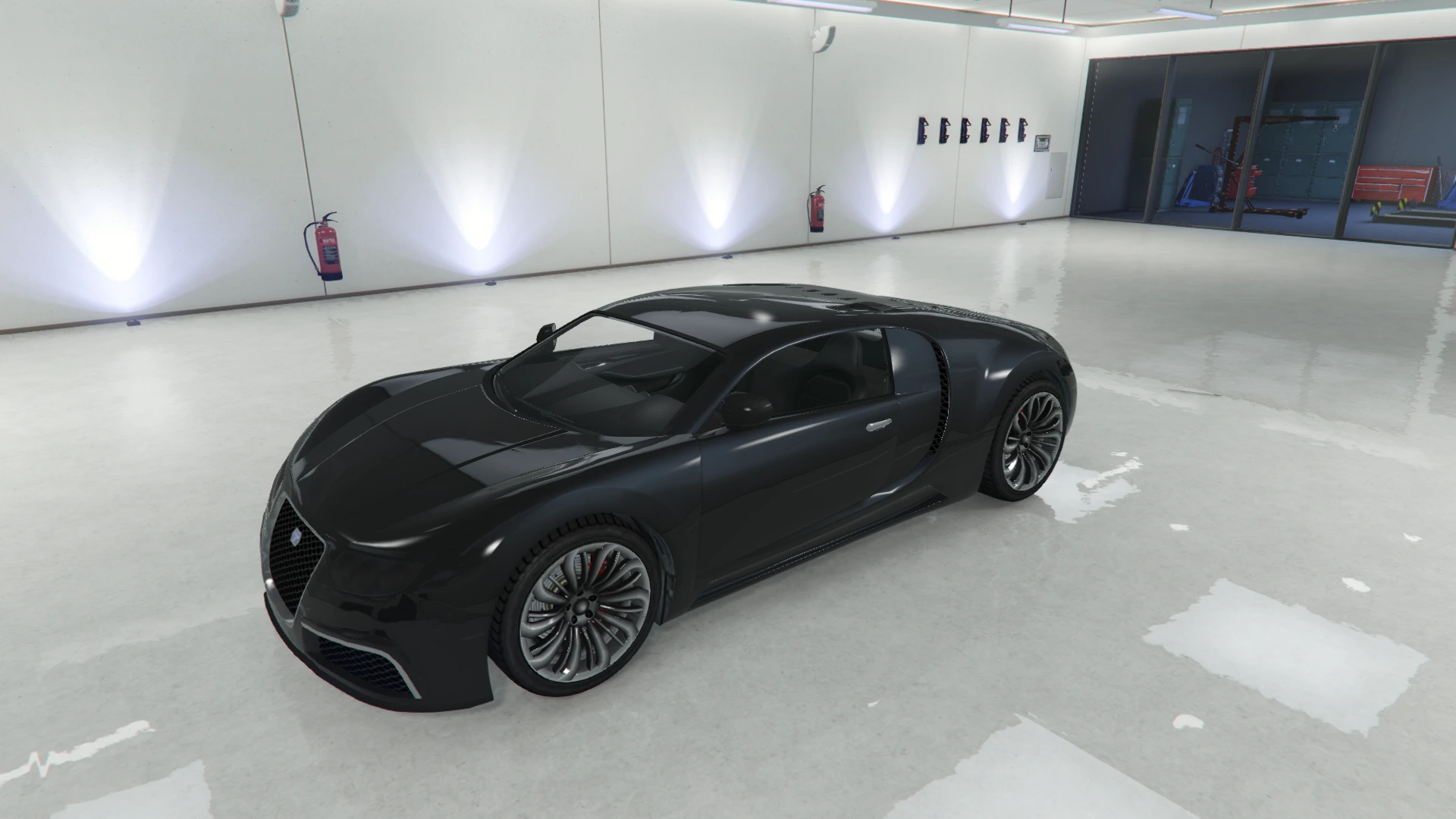 | 0 | Black |
 | 1 | Graphite |
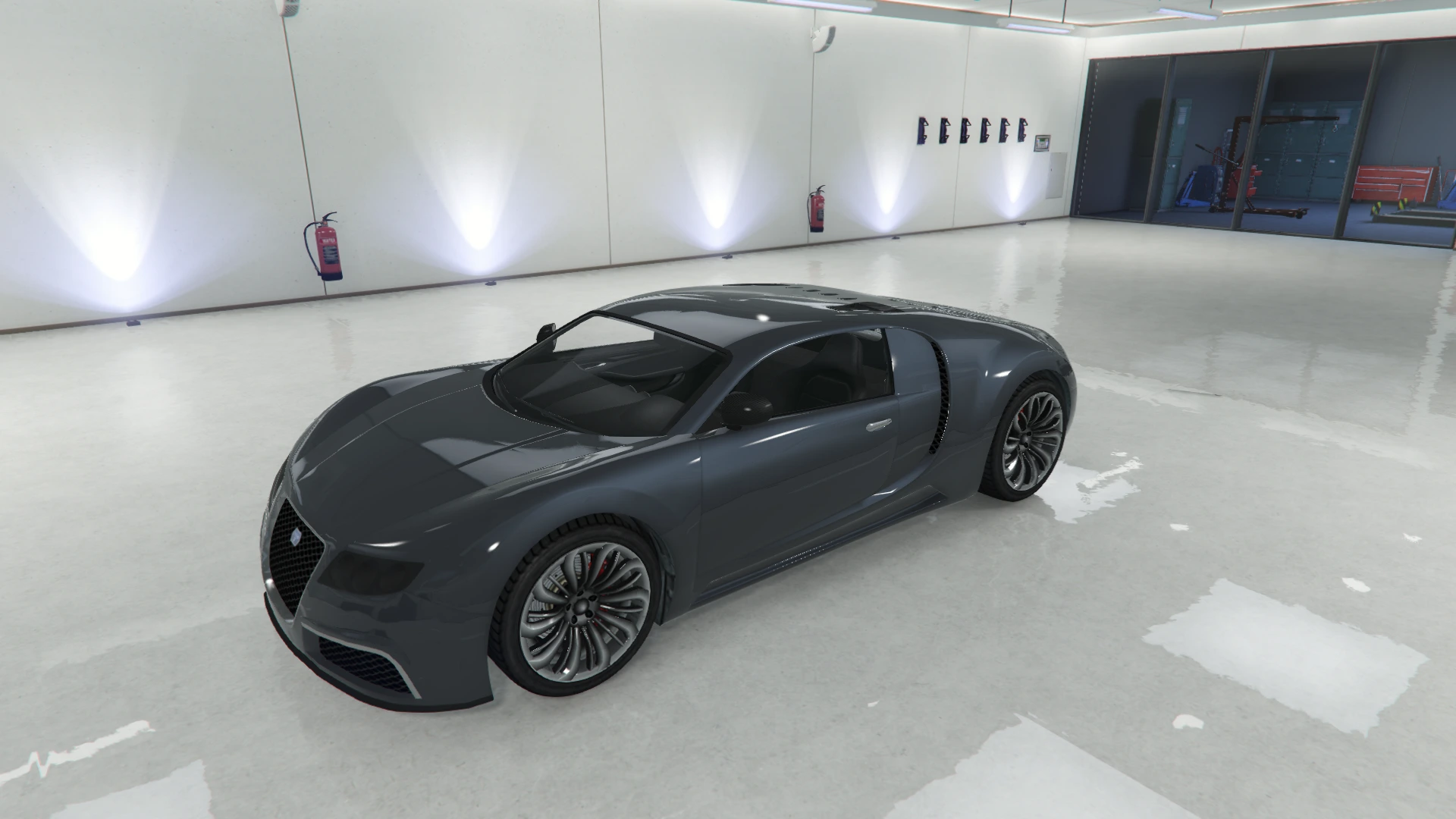 | 2 | Black Steel |
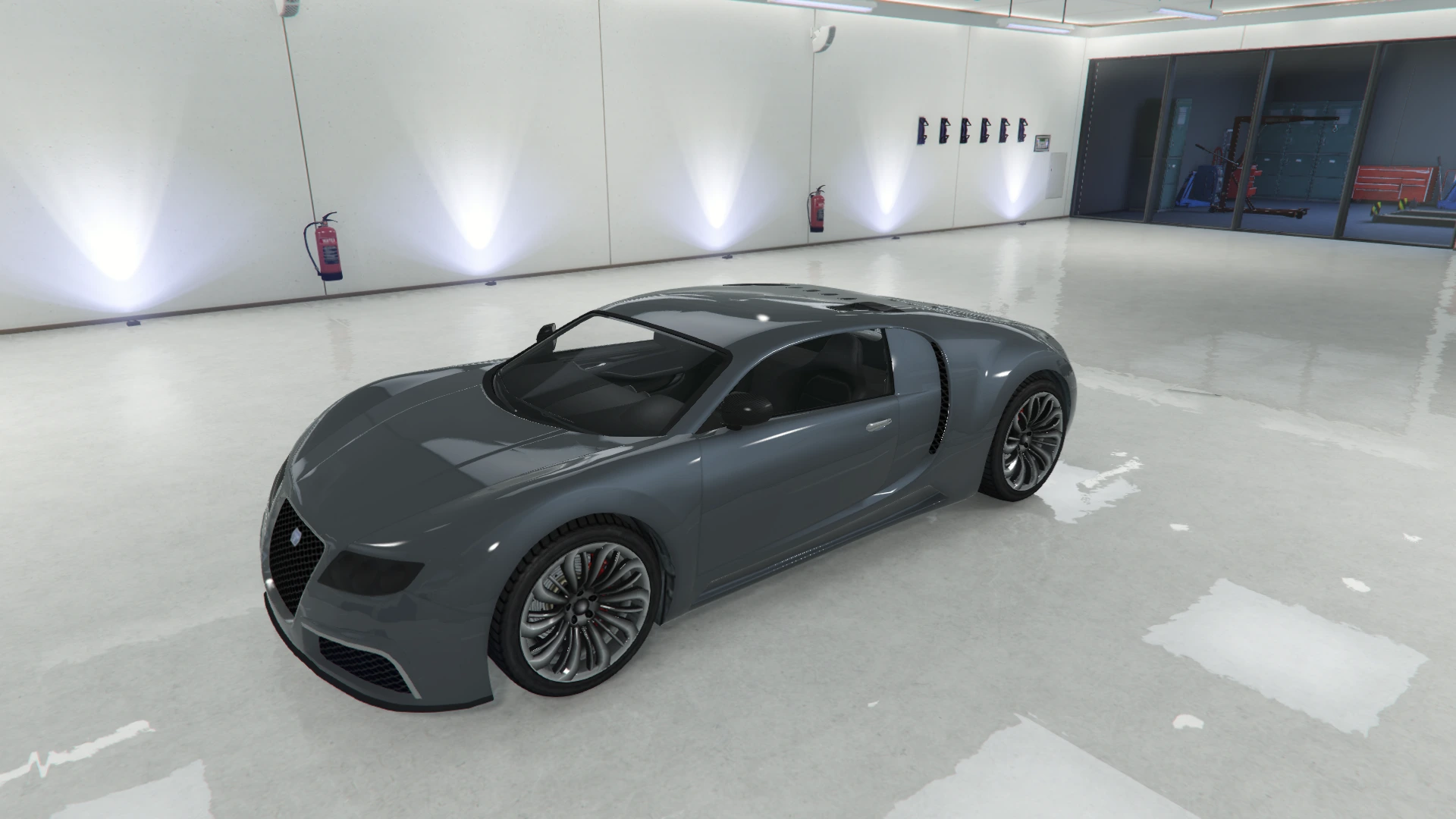 | 3 | Dark Steel |
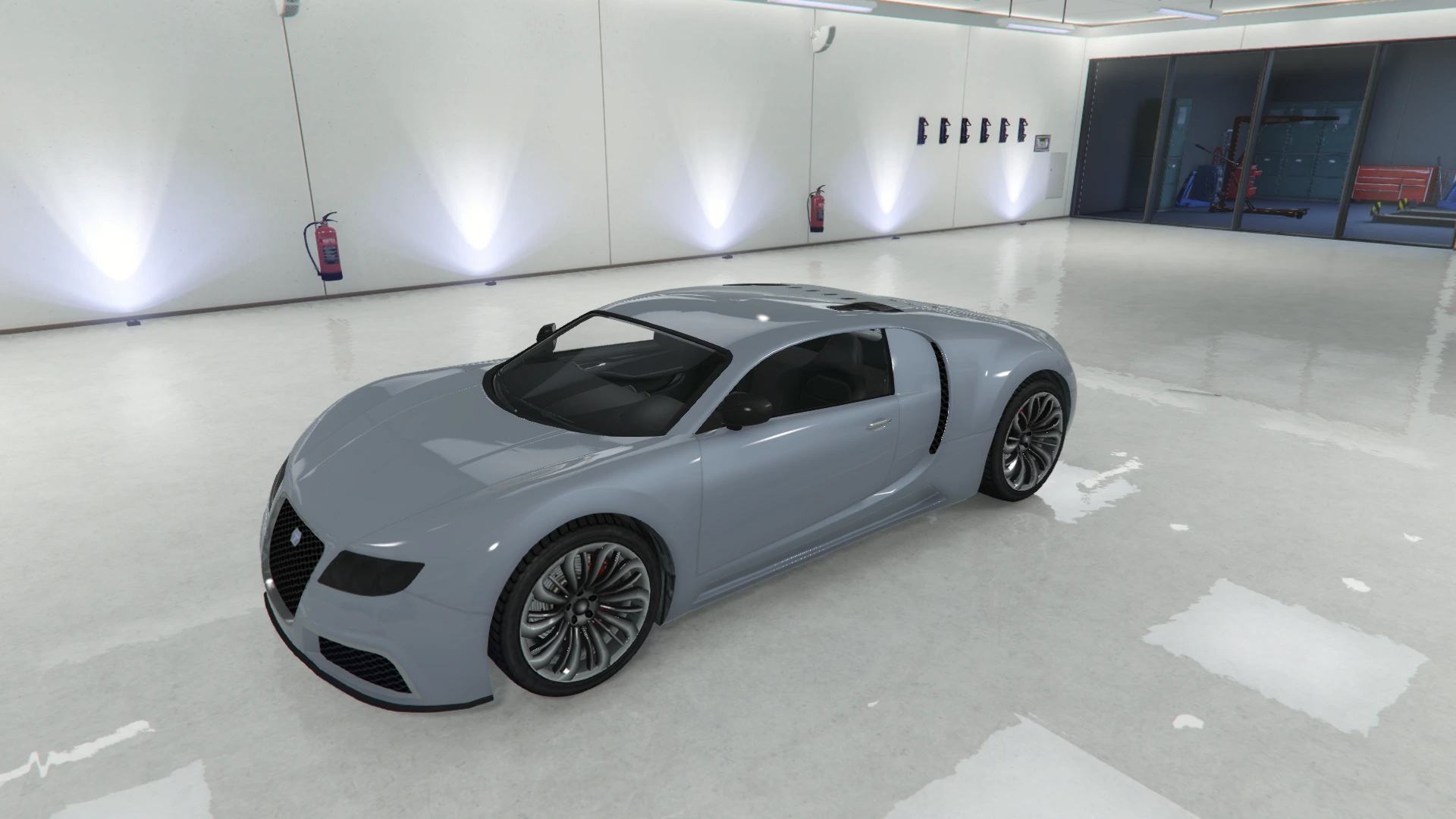 | 4 | Silver |
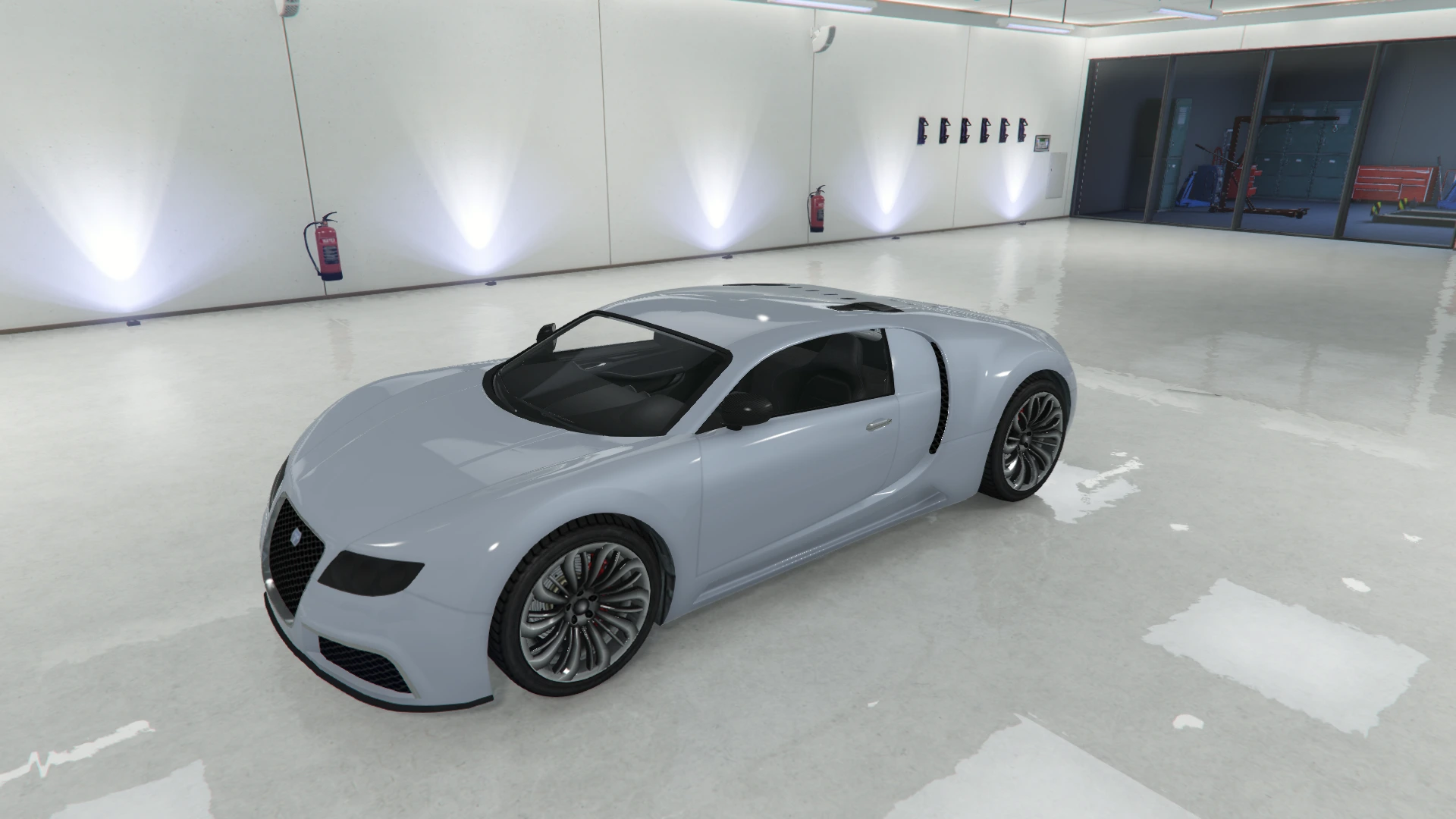 | 5 | Bluish Silver |
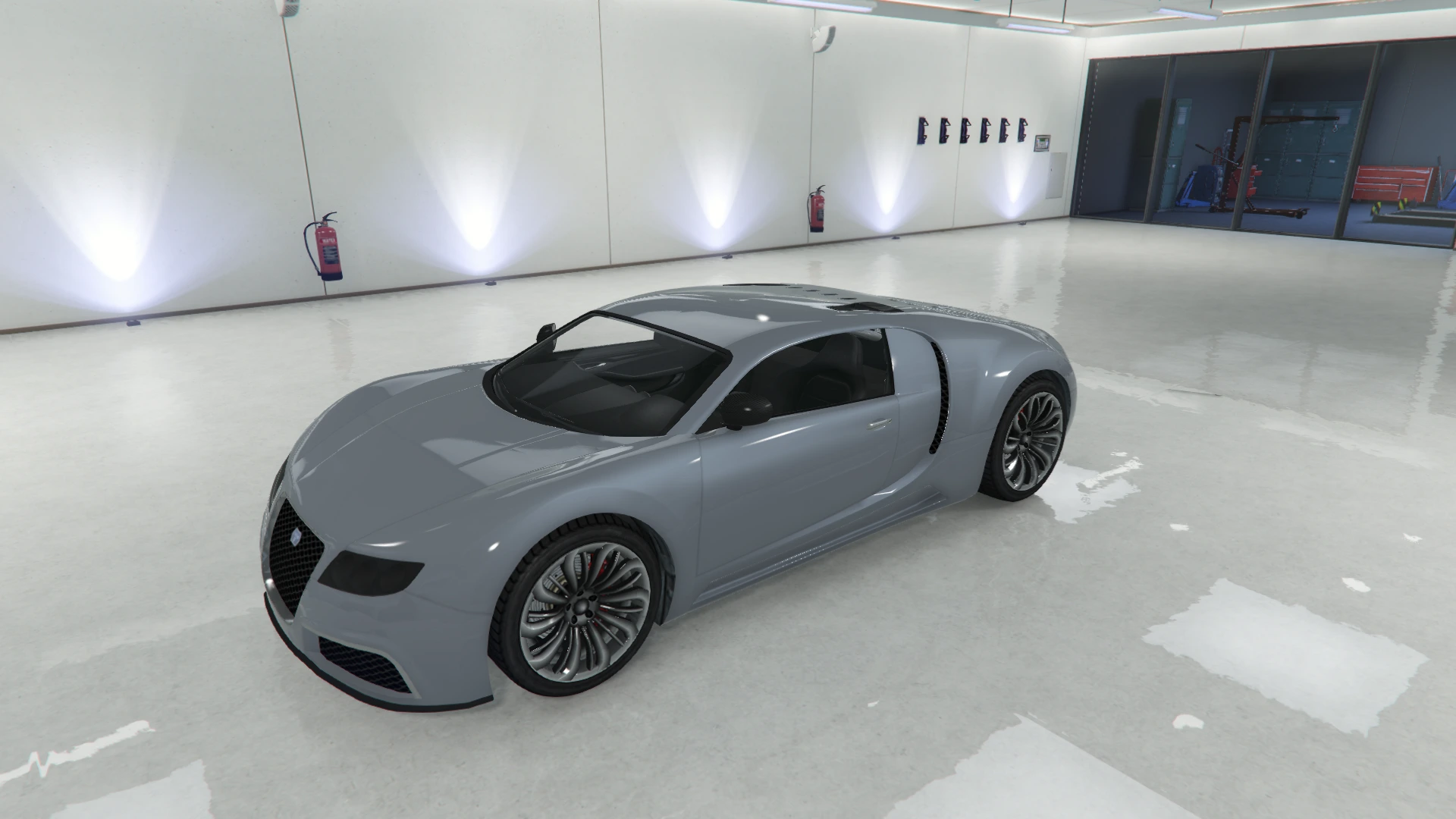 | 6 | Rolled Steel |
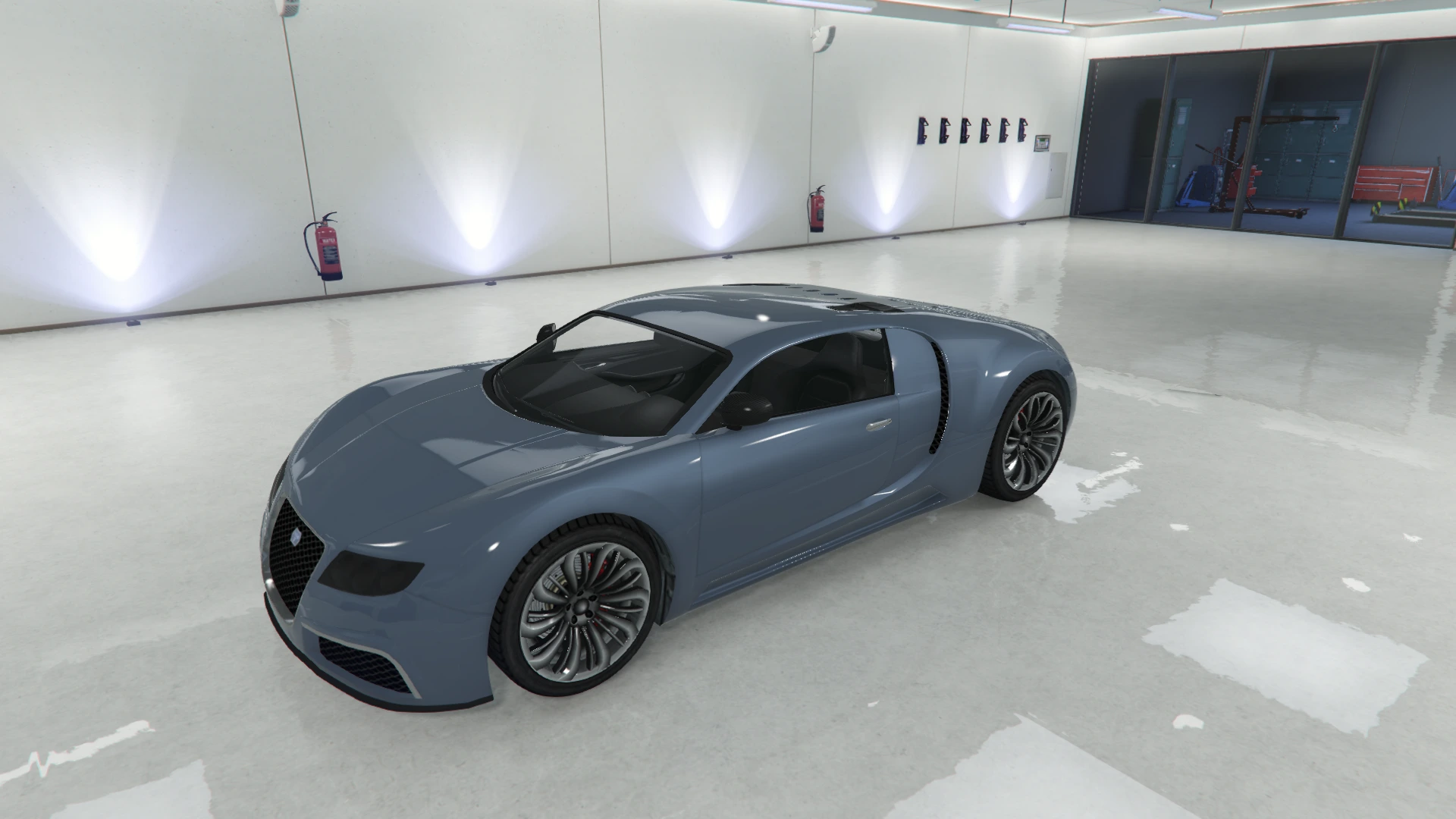 | 7 | Shadow Silver |
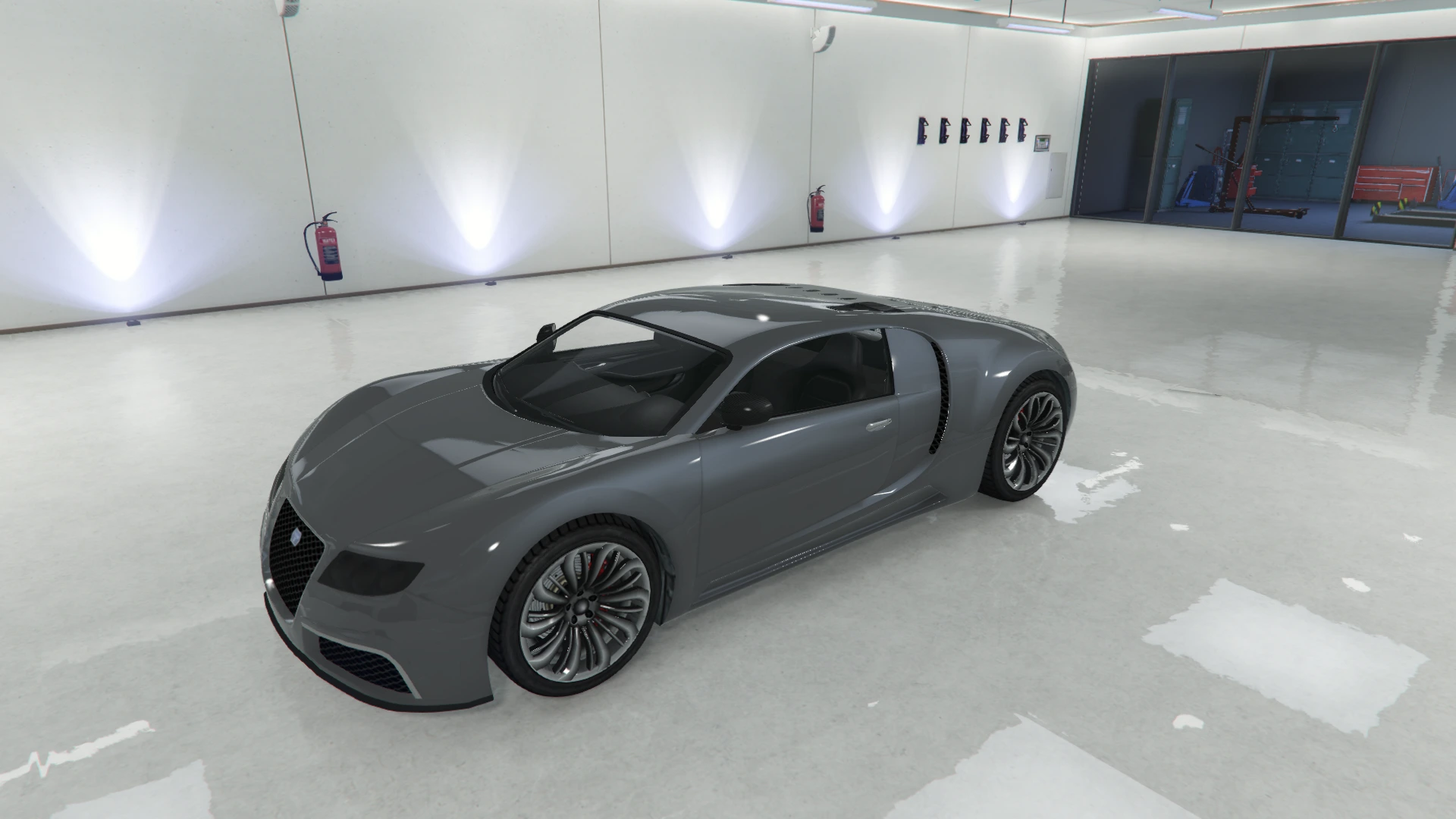 | 8 | Stone Silver |
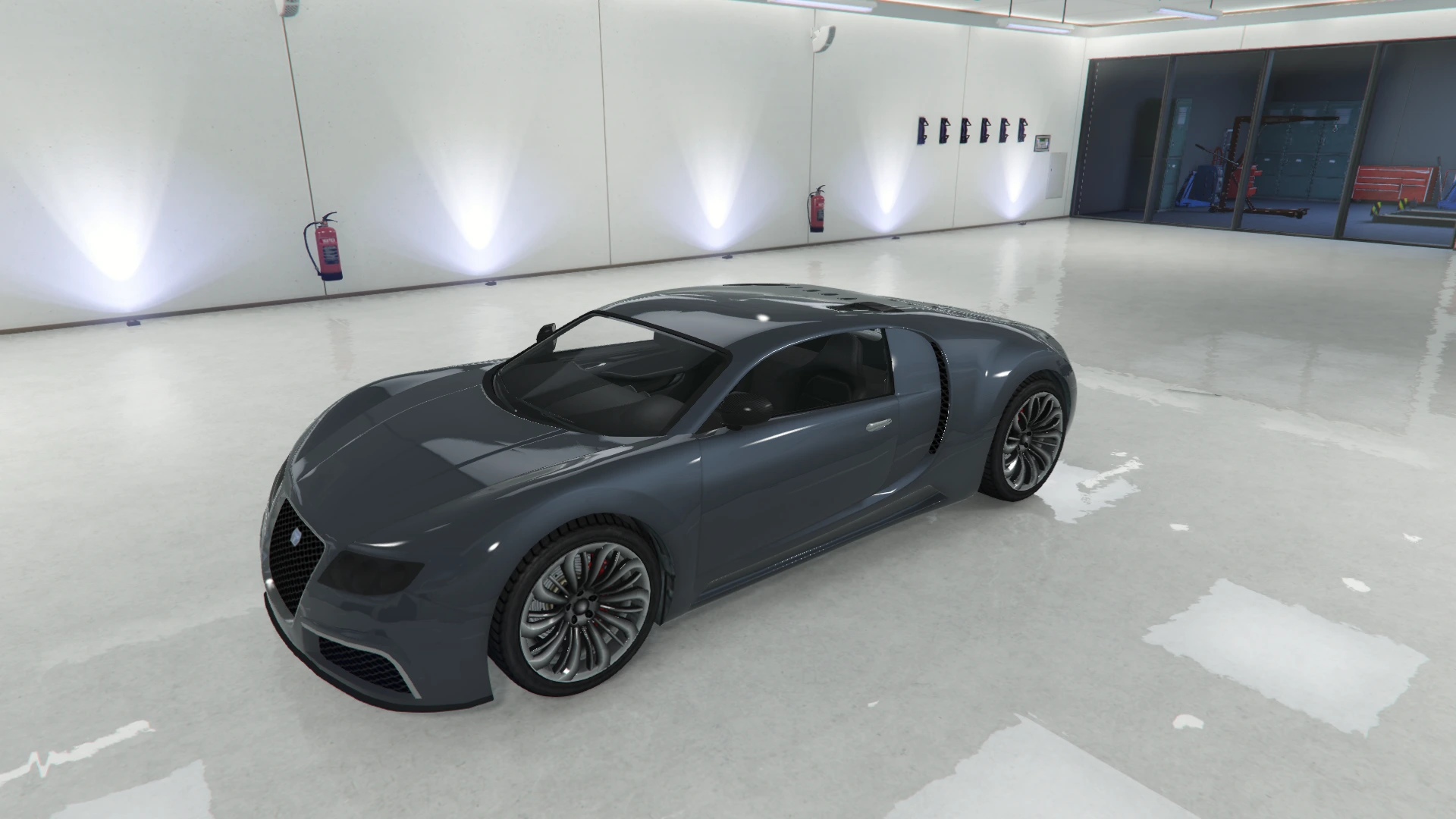 | 9 | Midnight Silver |
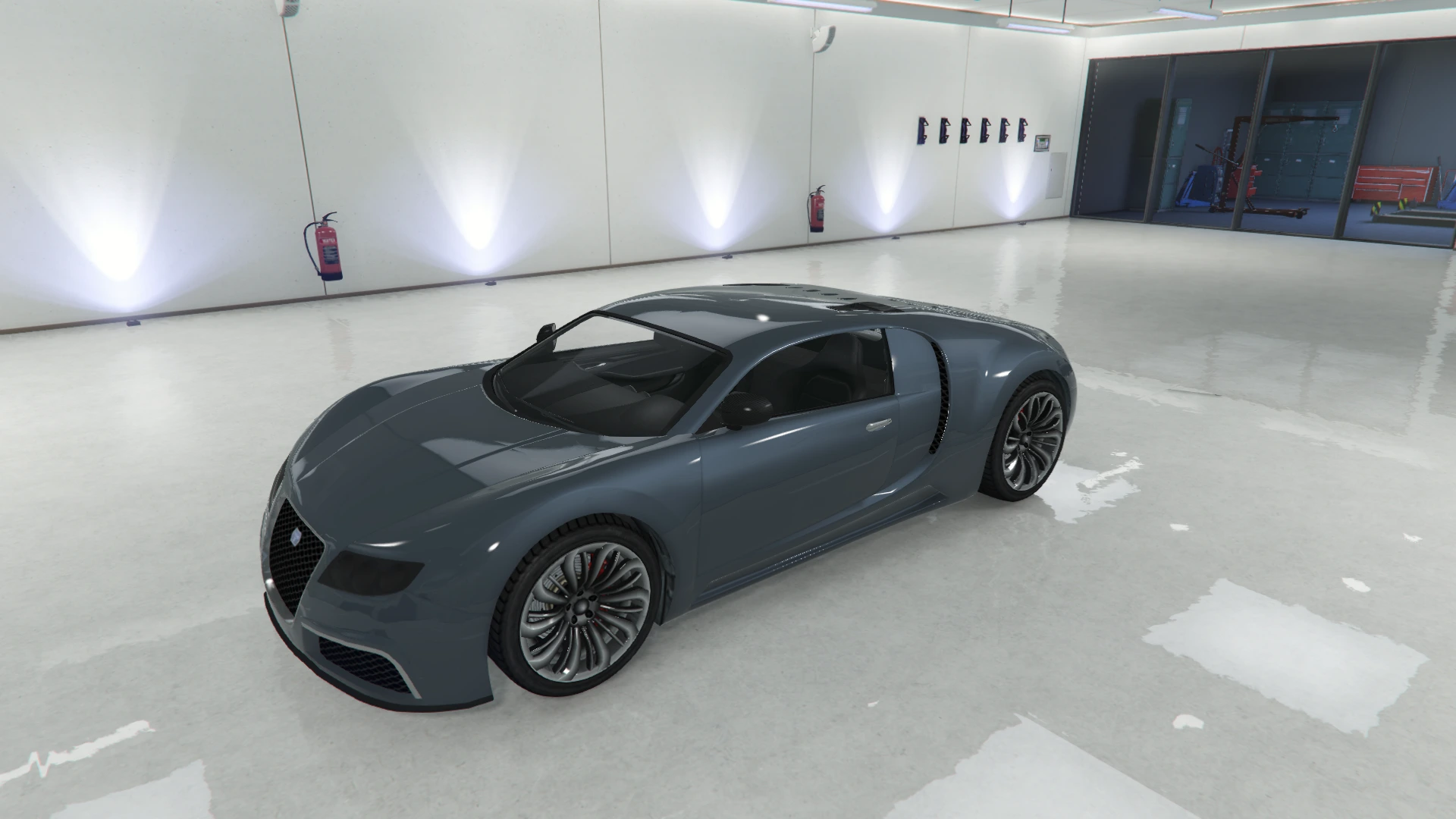 | 10 | Cast Iron Silver |
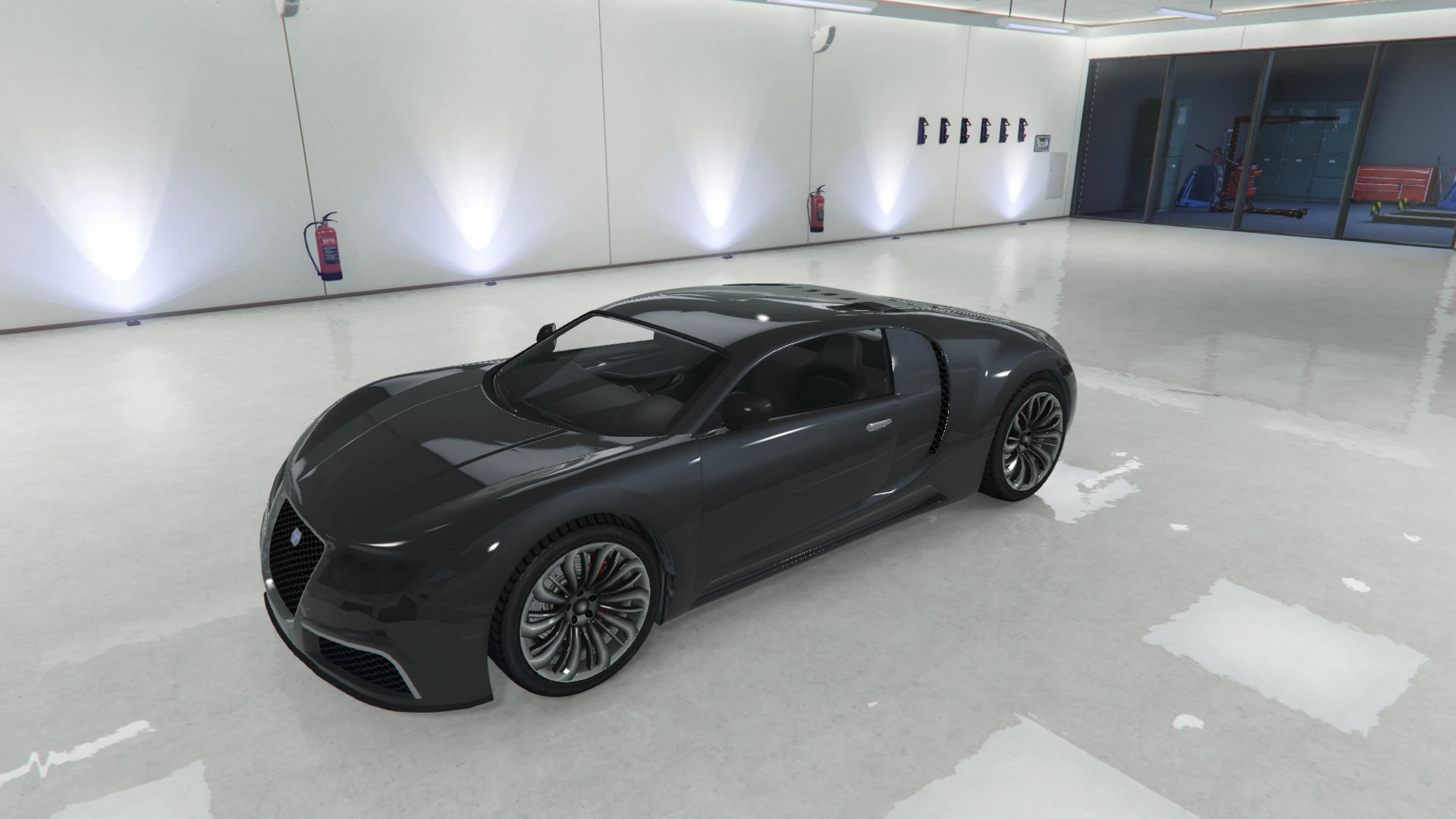 | 11 | Anthracite Black |
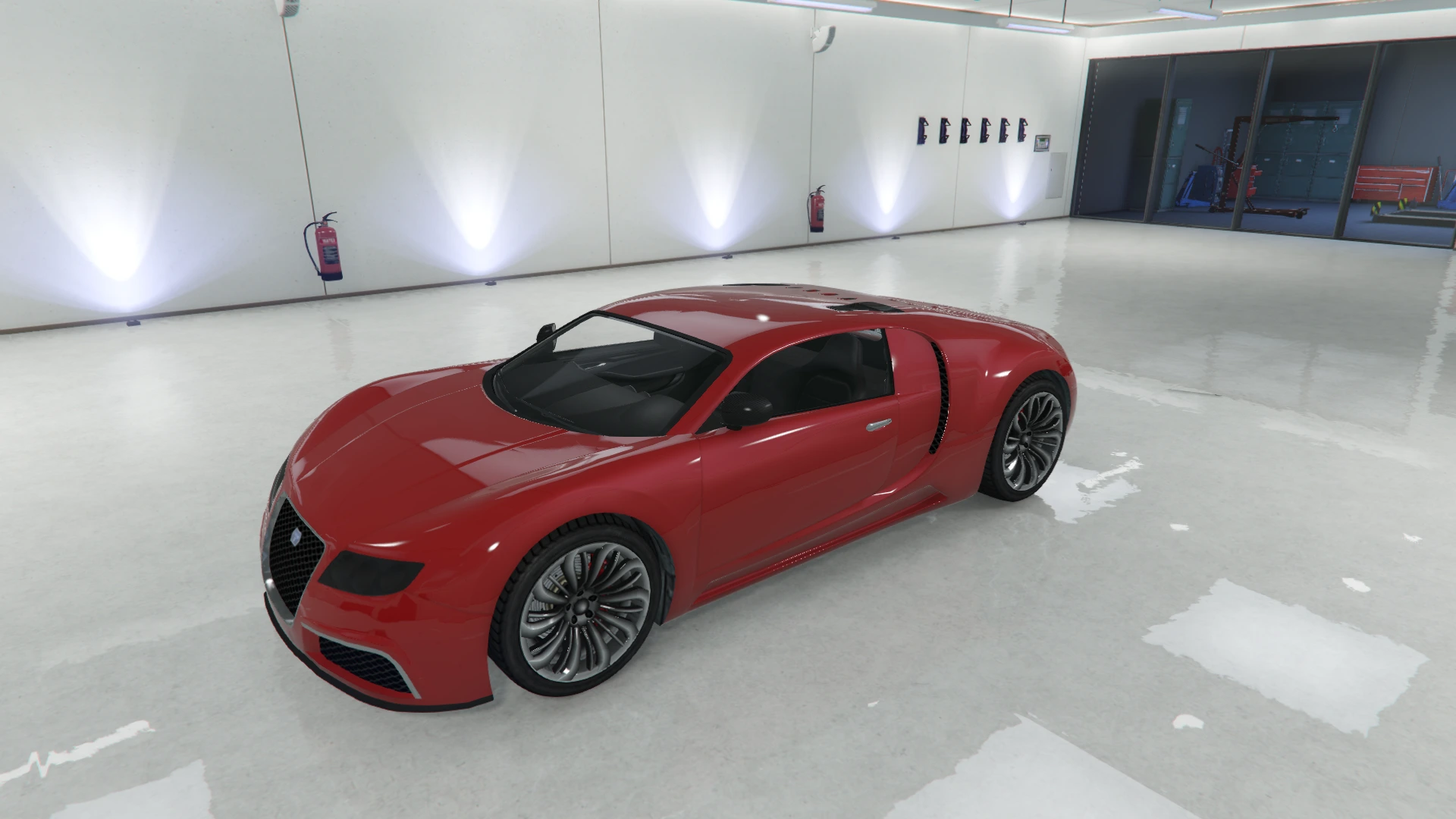 | 27 | Red |
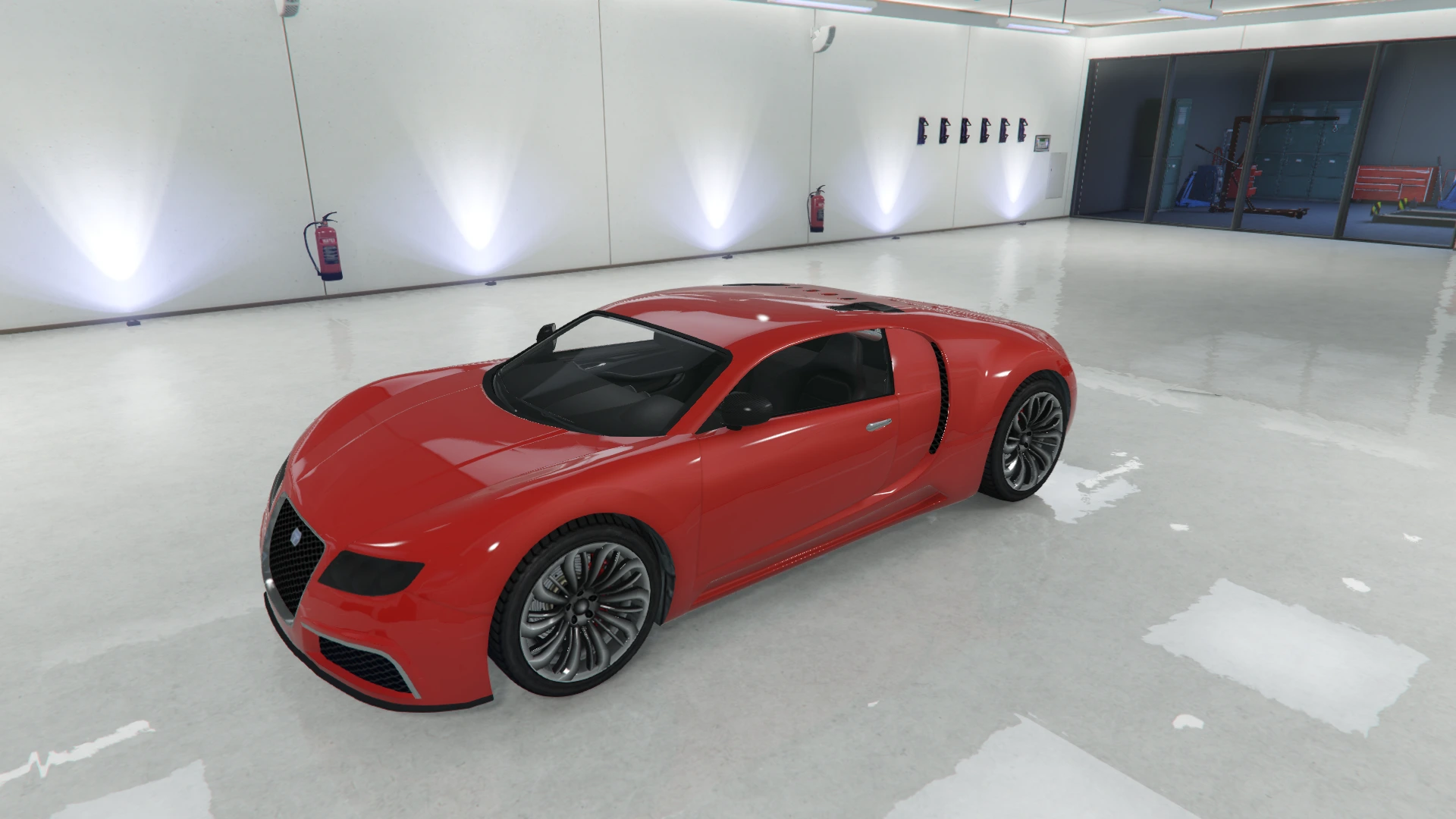 | 28 | Torino Red |
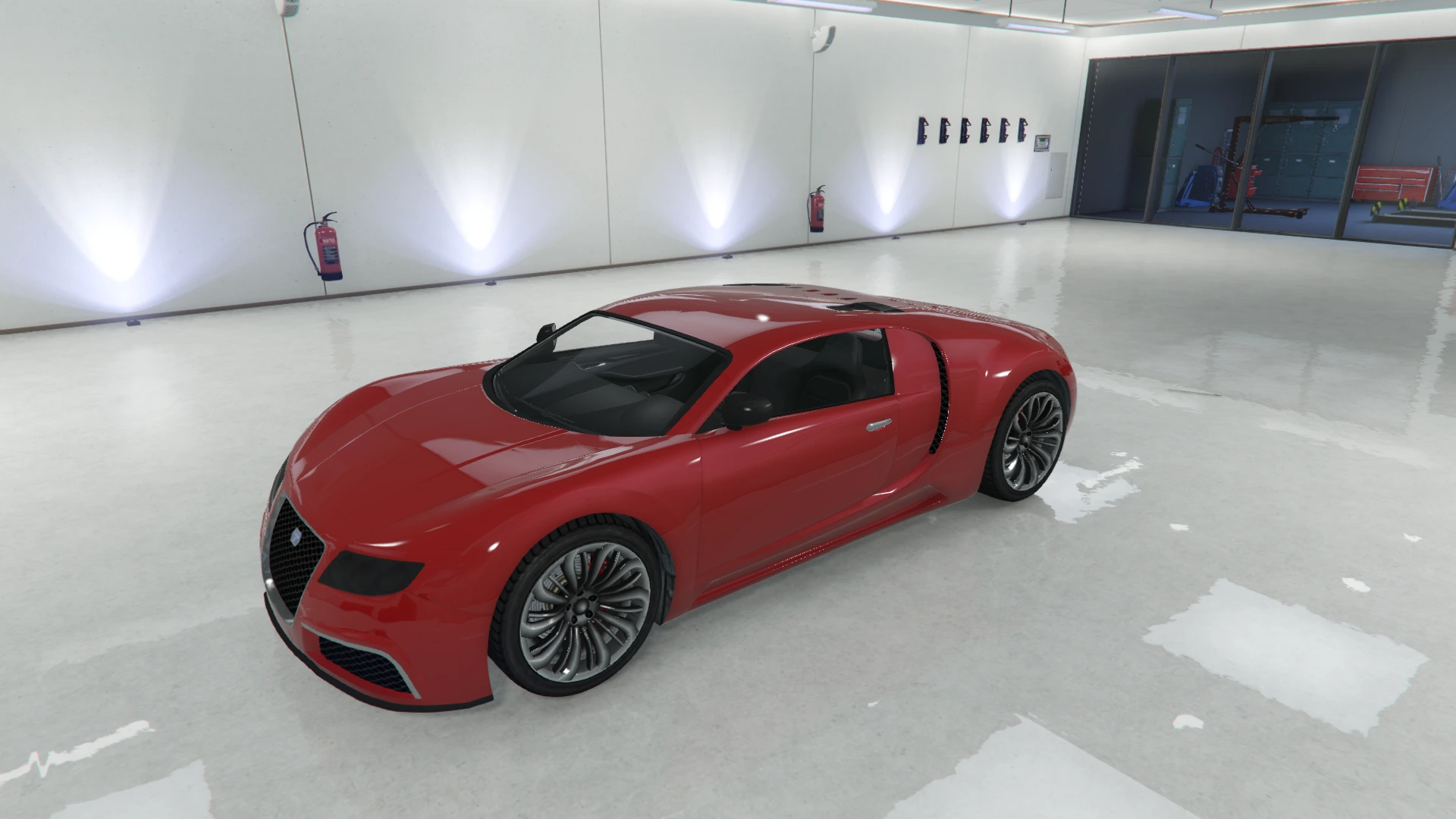 | 29 | Formula Red |
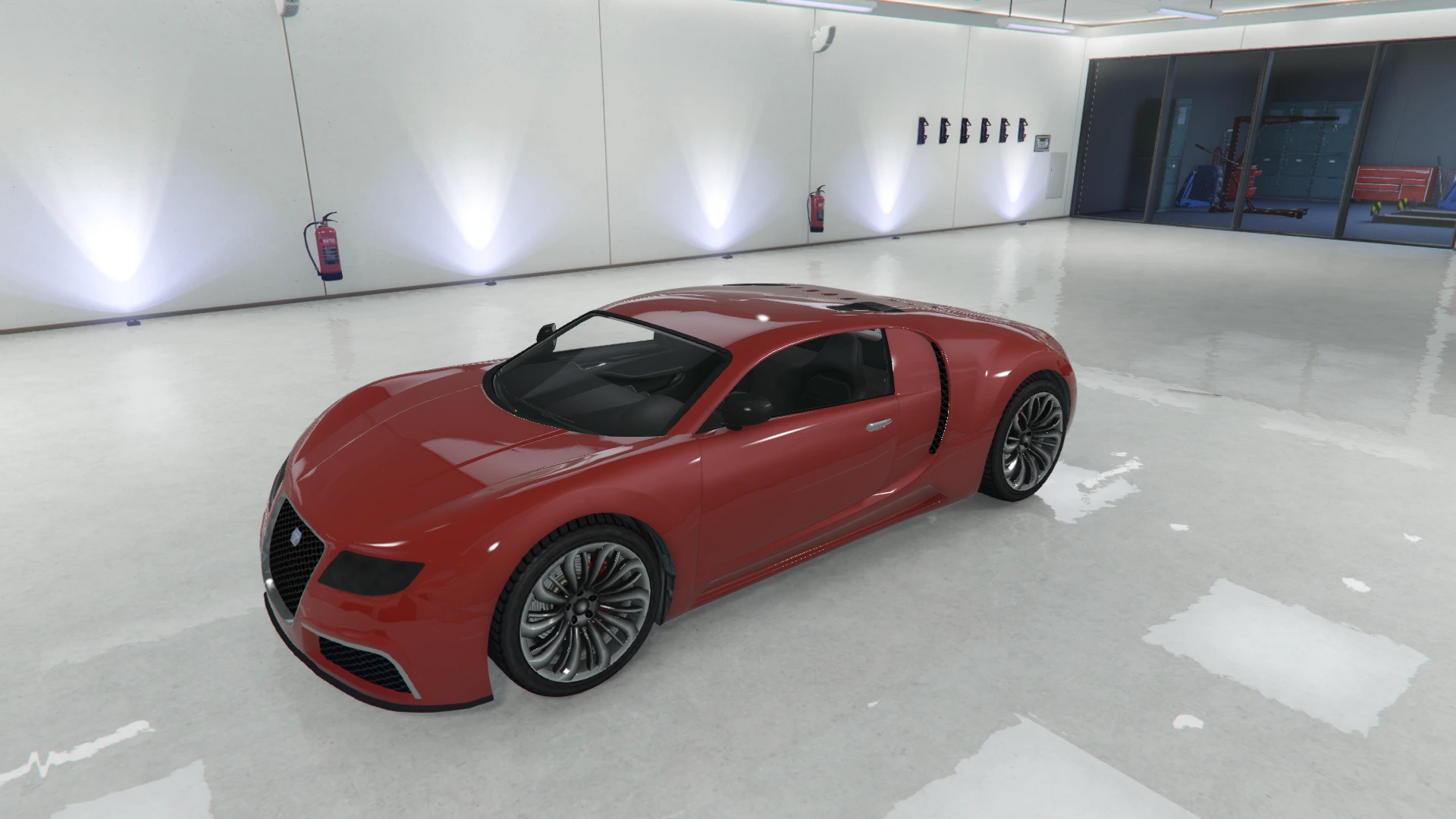 | 30 | Blaze Red |
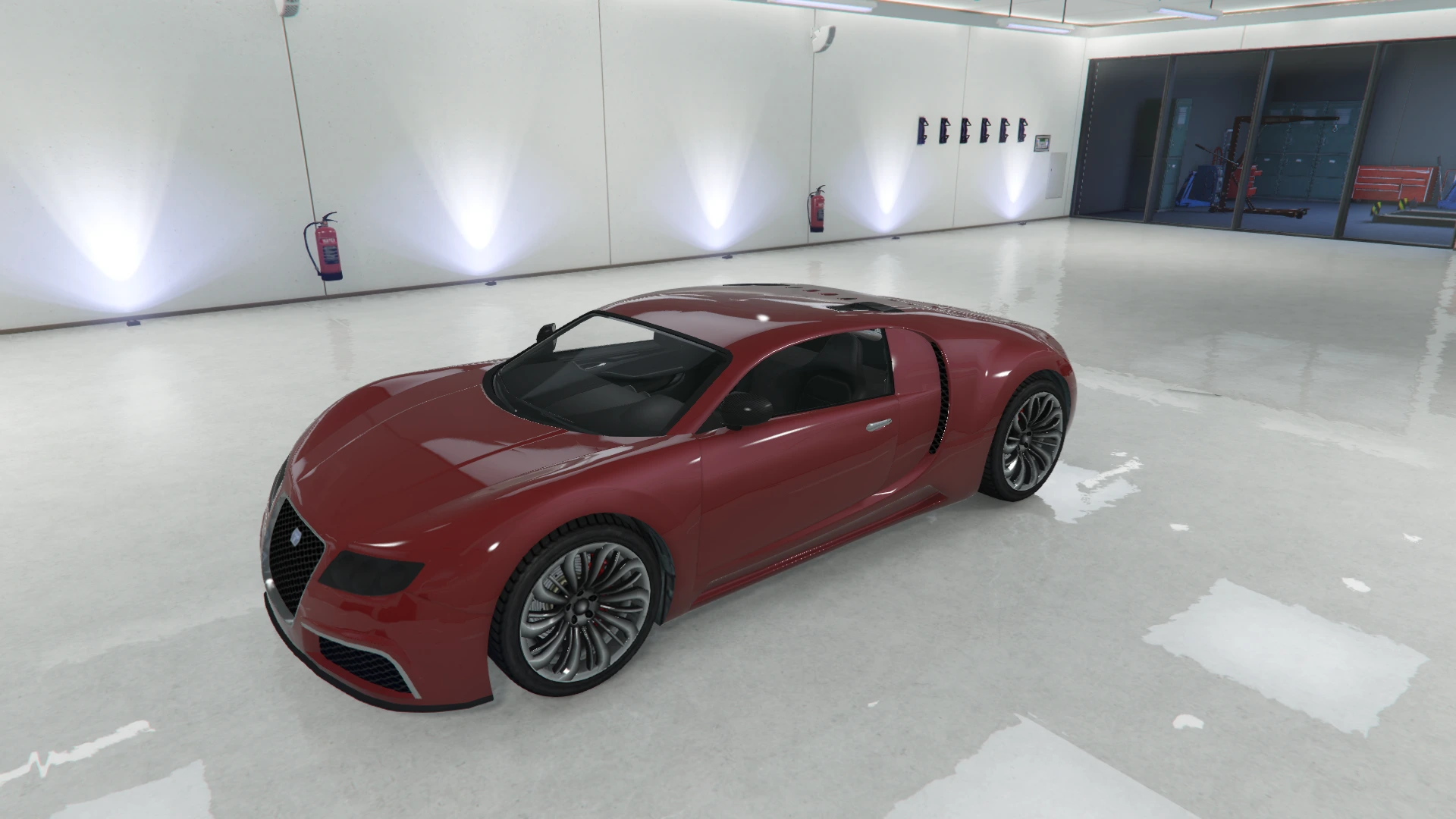 | 31 | Grace Red |
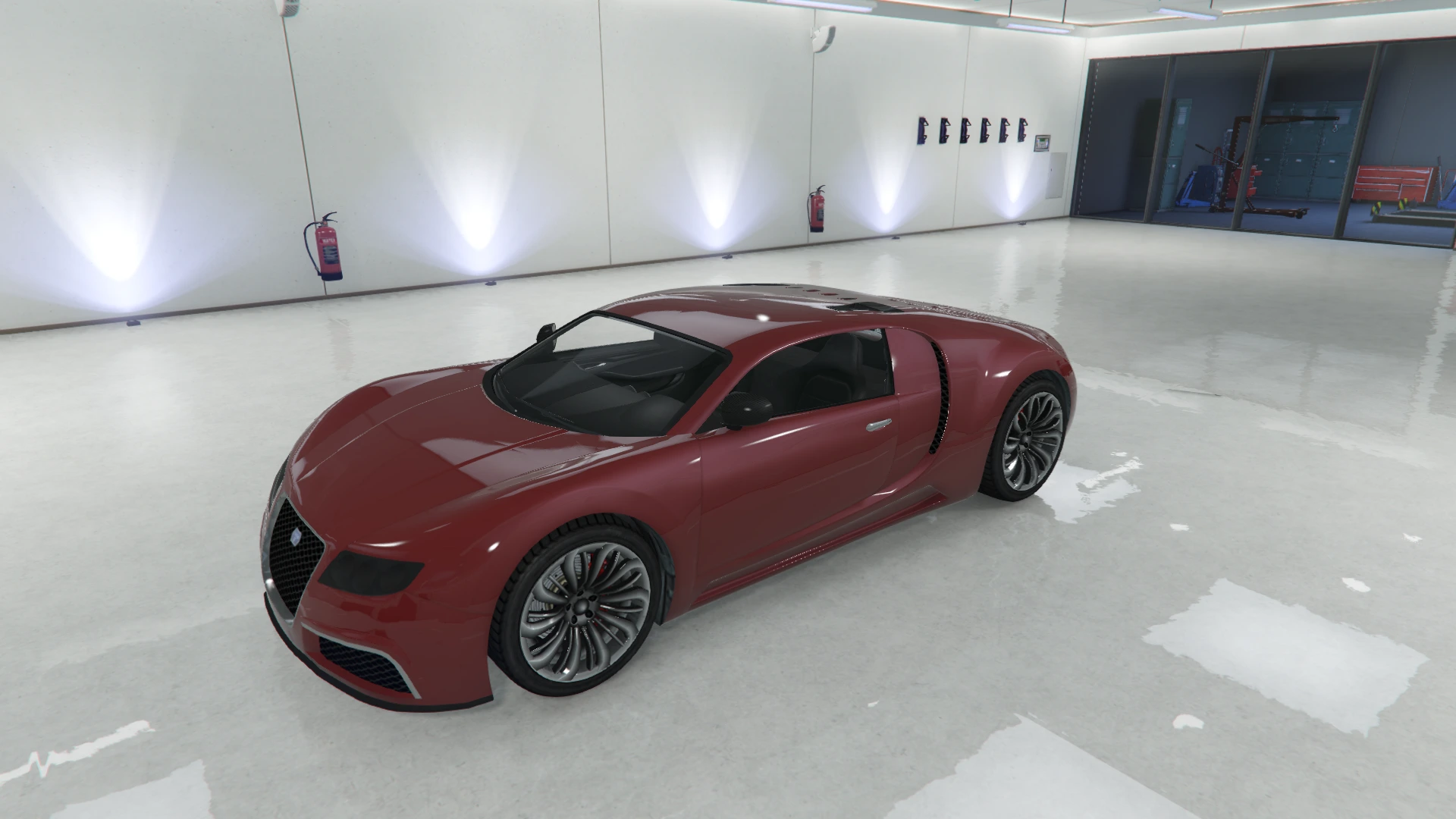 | 32 | Garnet Red |
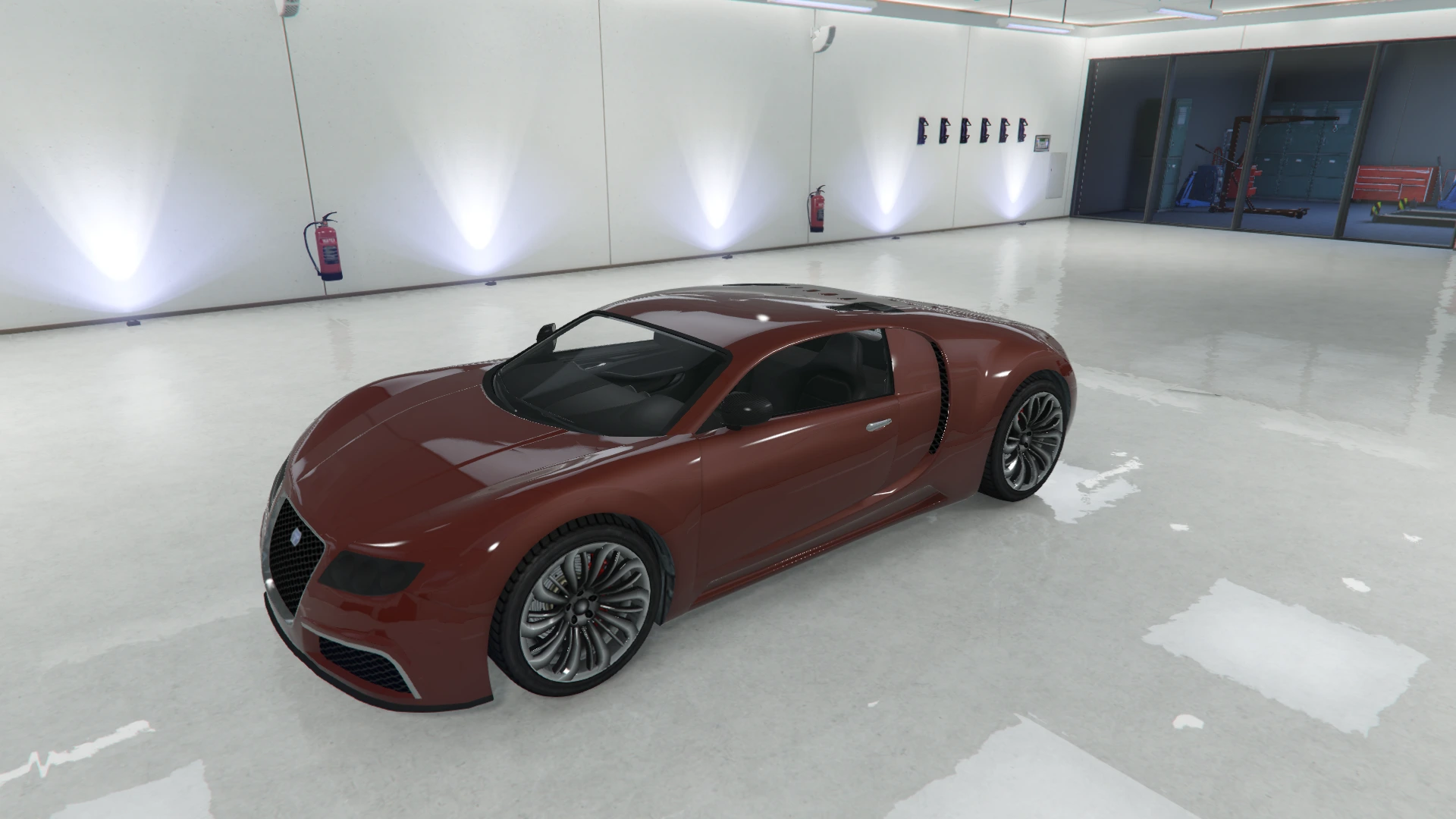 | 33 | Sunset Red |
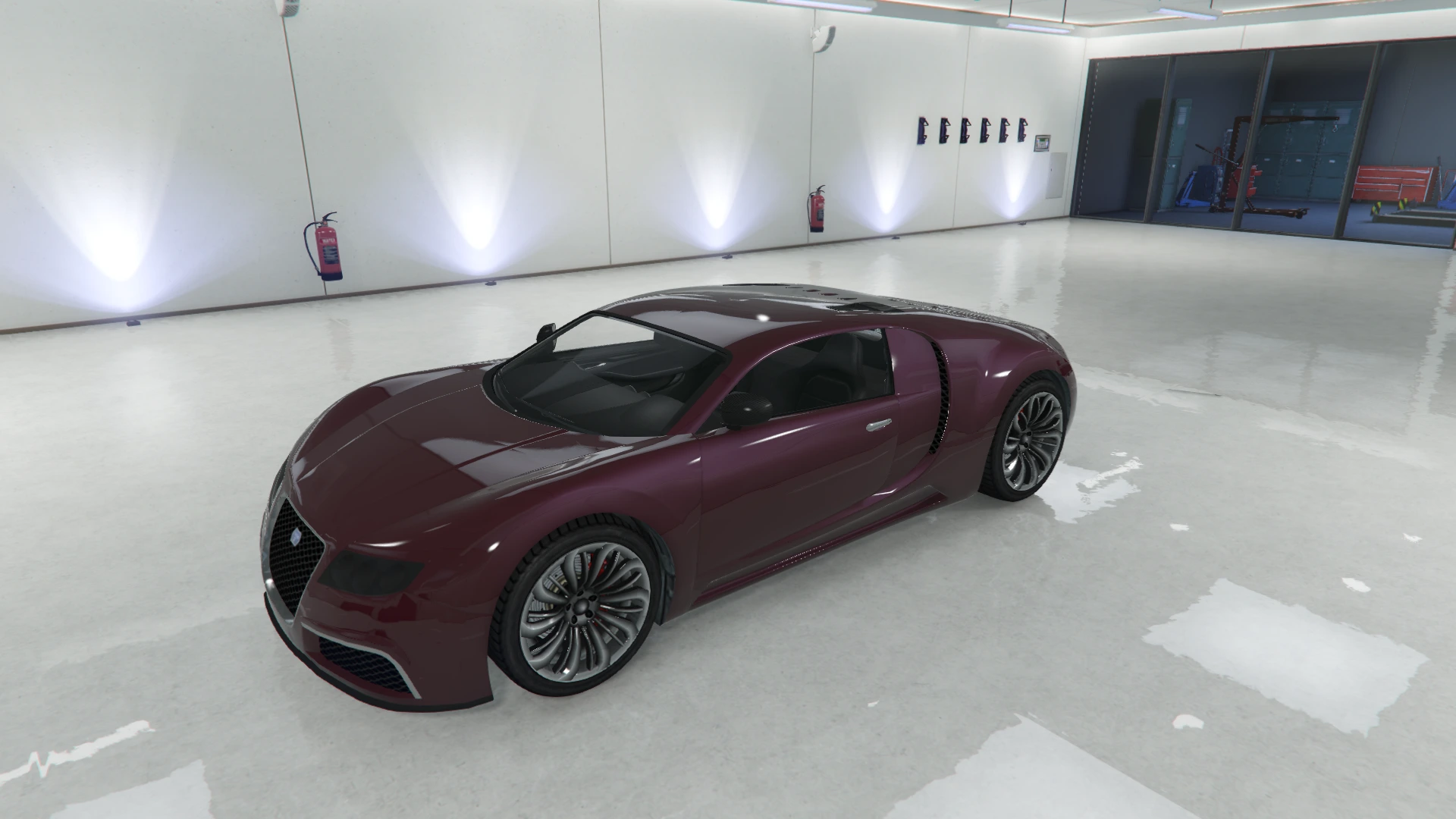 | 34 | Cabernet Red |
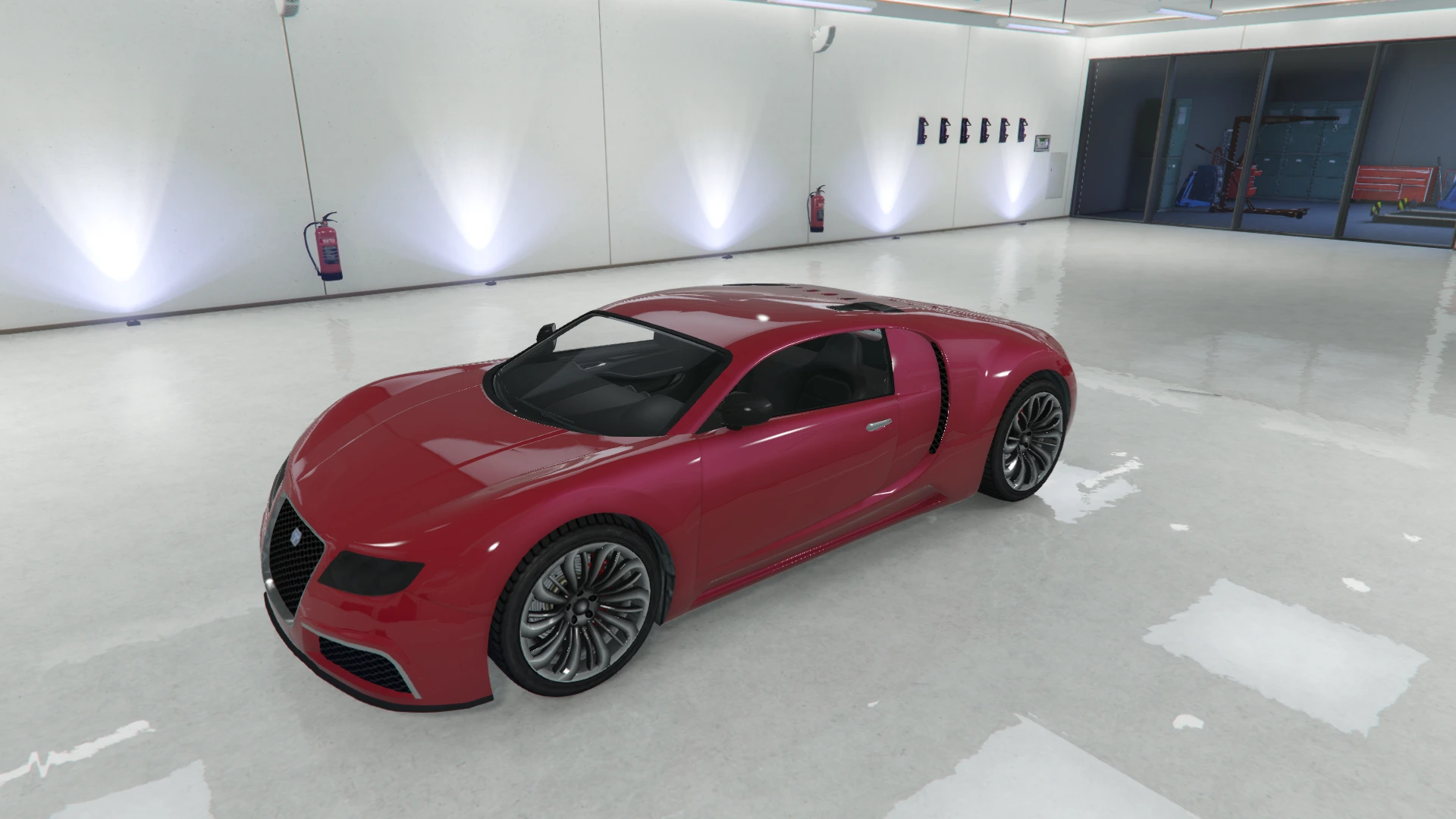 | 35 | Candy Red |
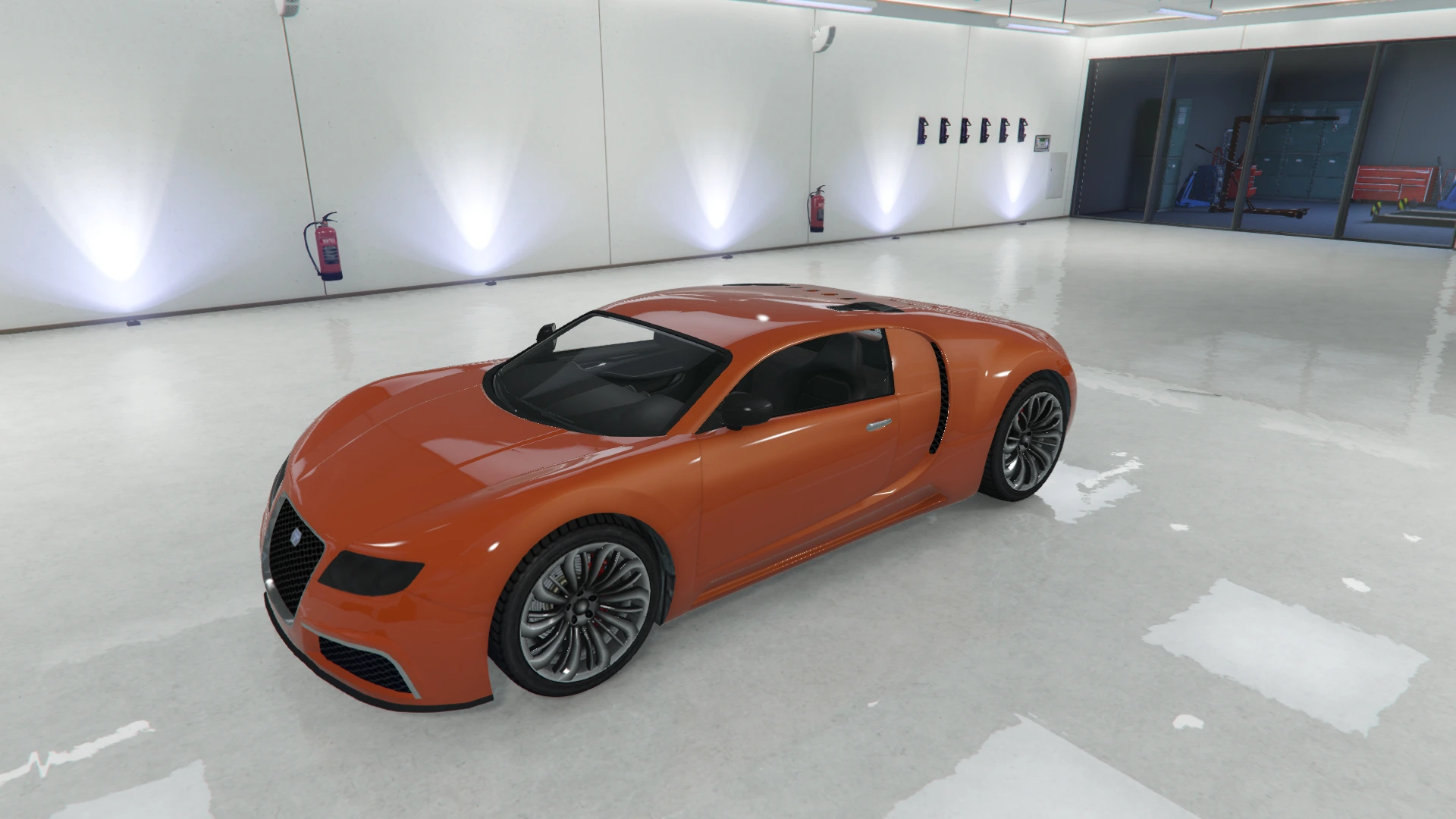 | 36 | Sunrise Orange |
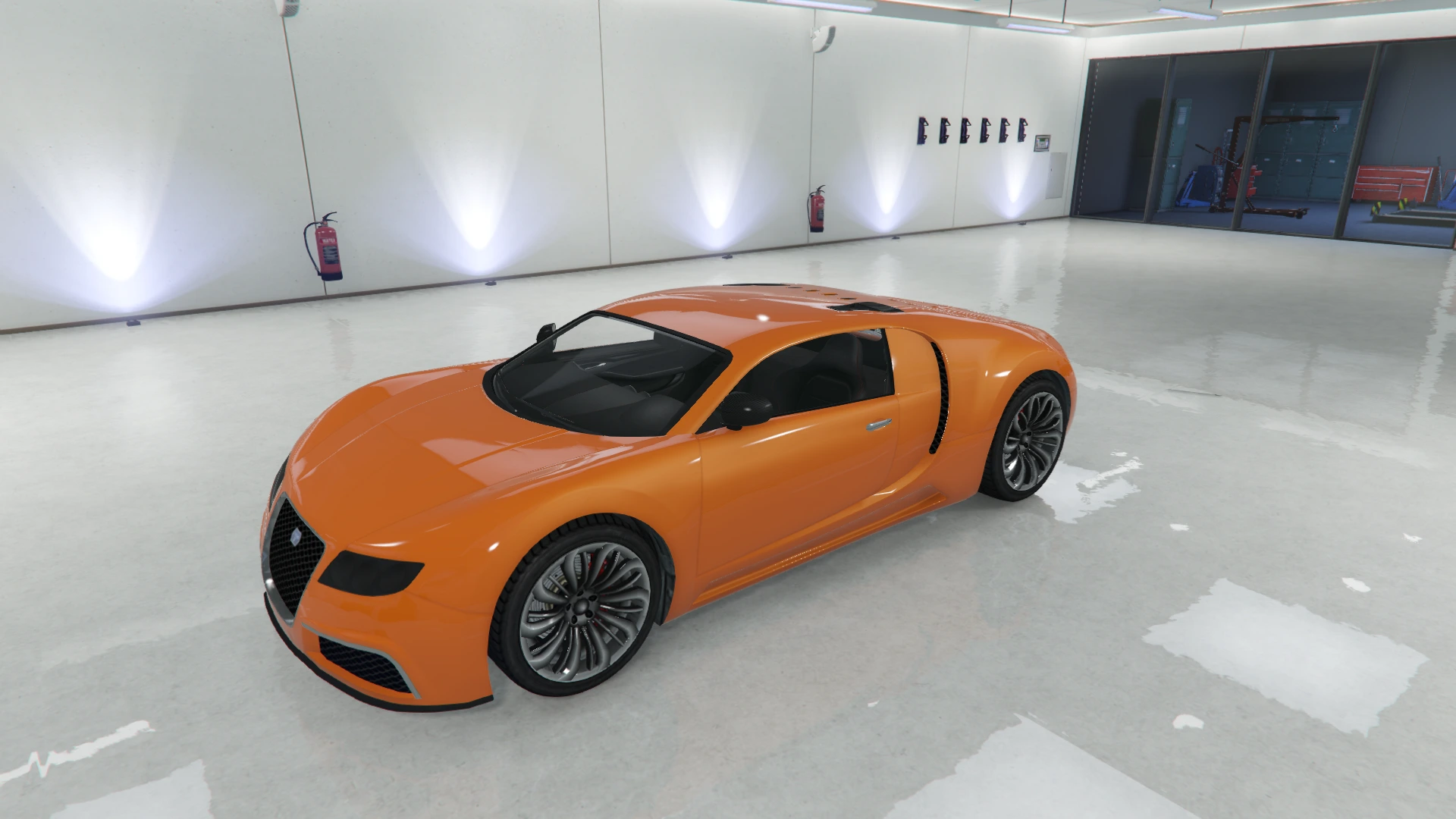 | 38 | Orange |
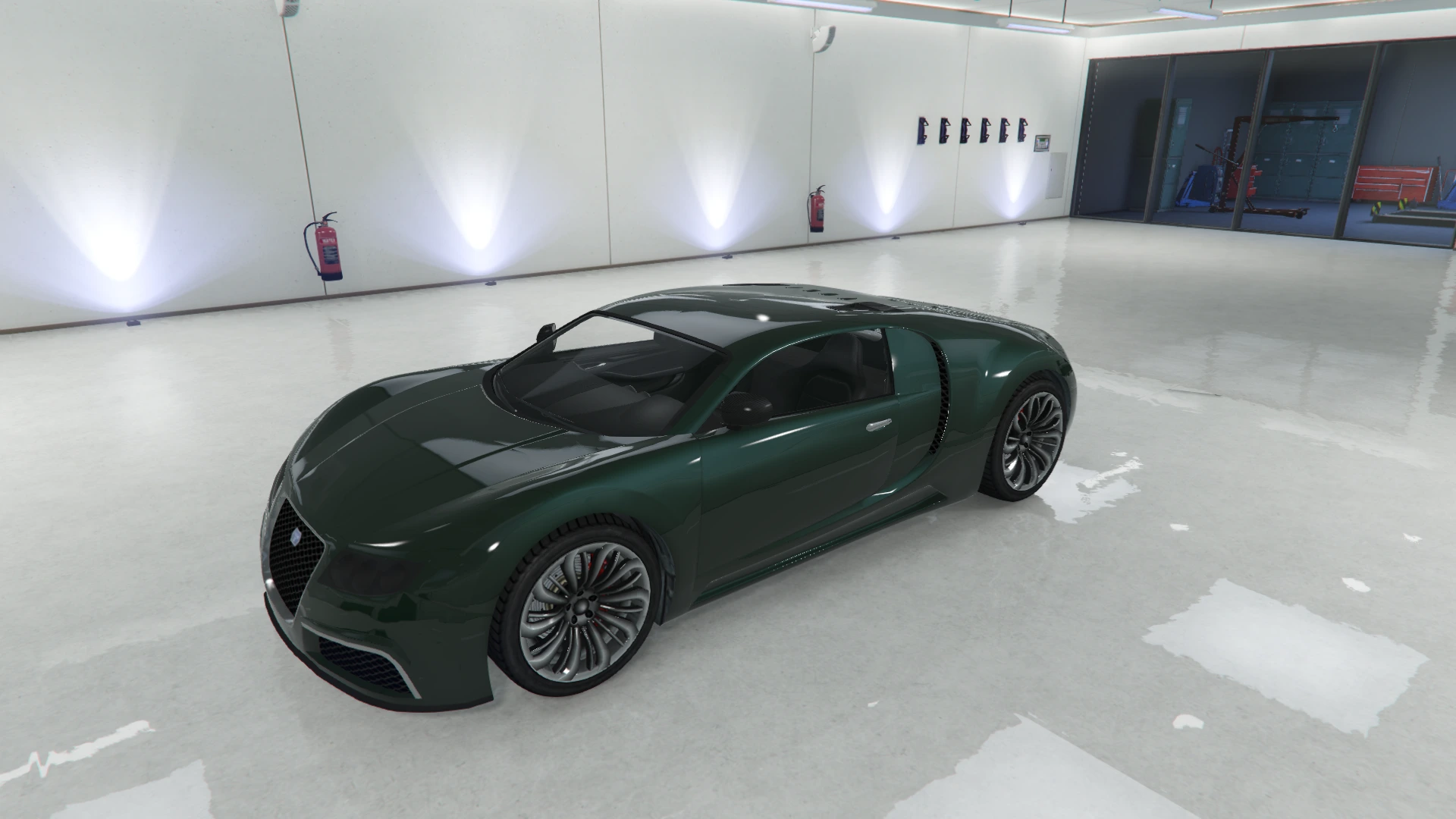 | 49 | Dark Green |
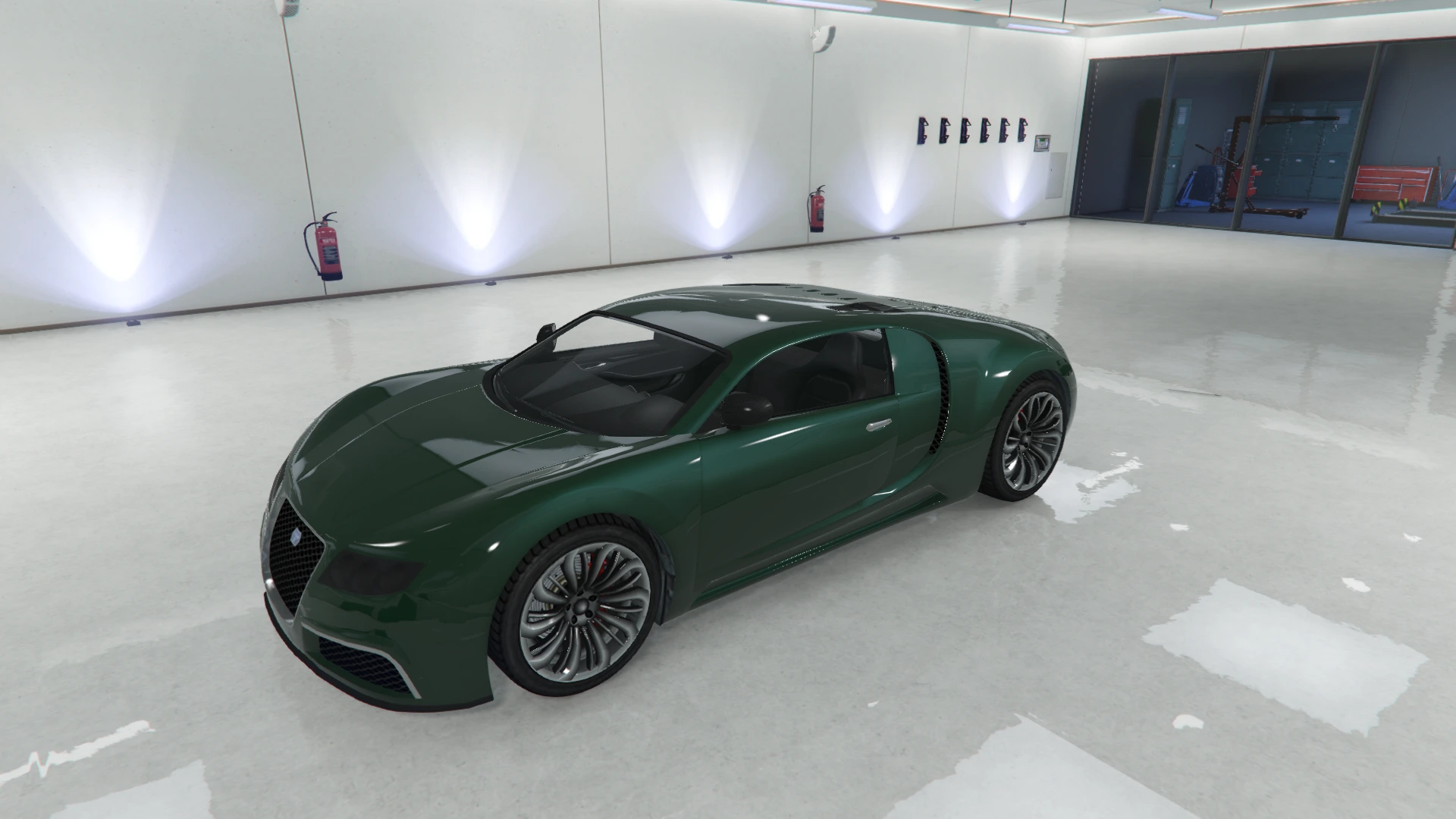 | 50 | Racing Green |
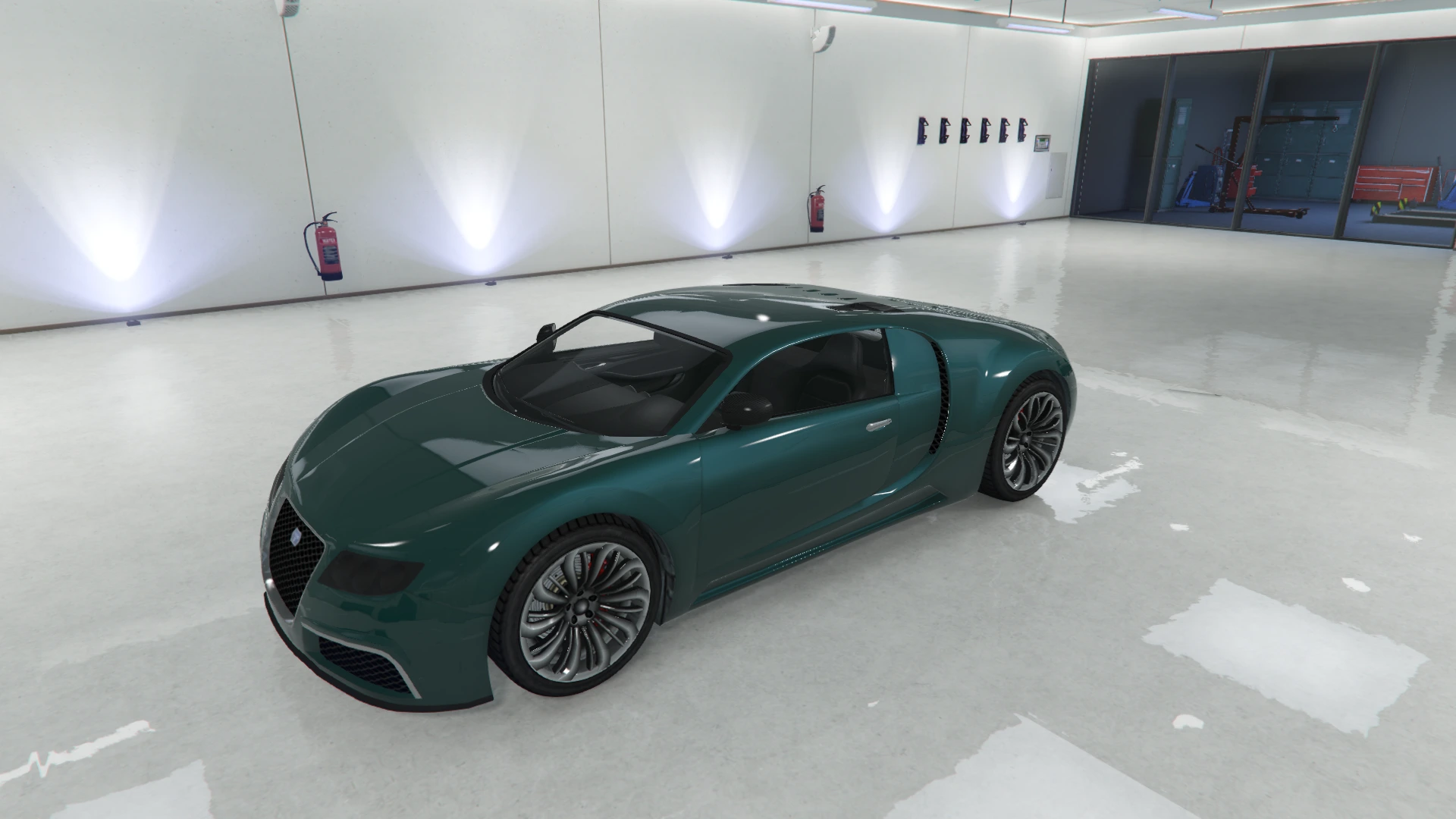 | 51 | Sea Green |
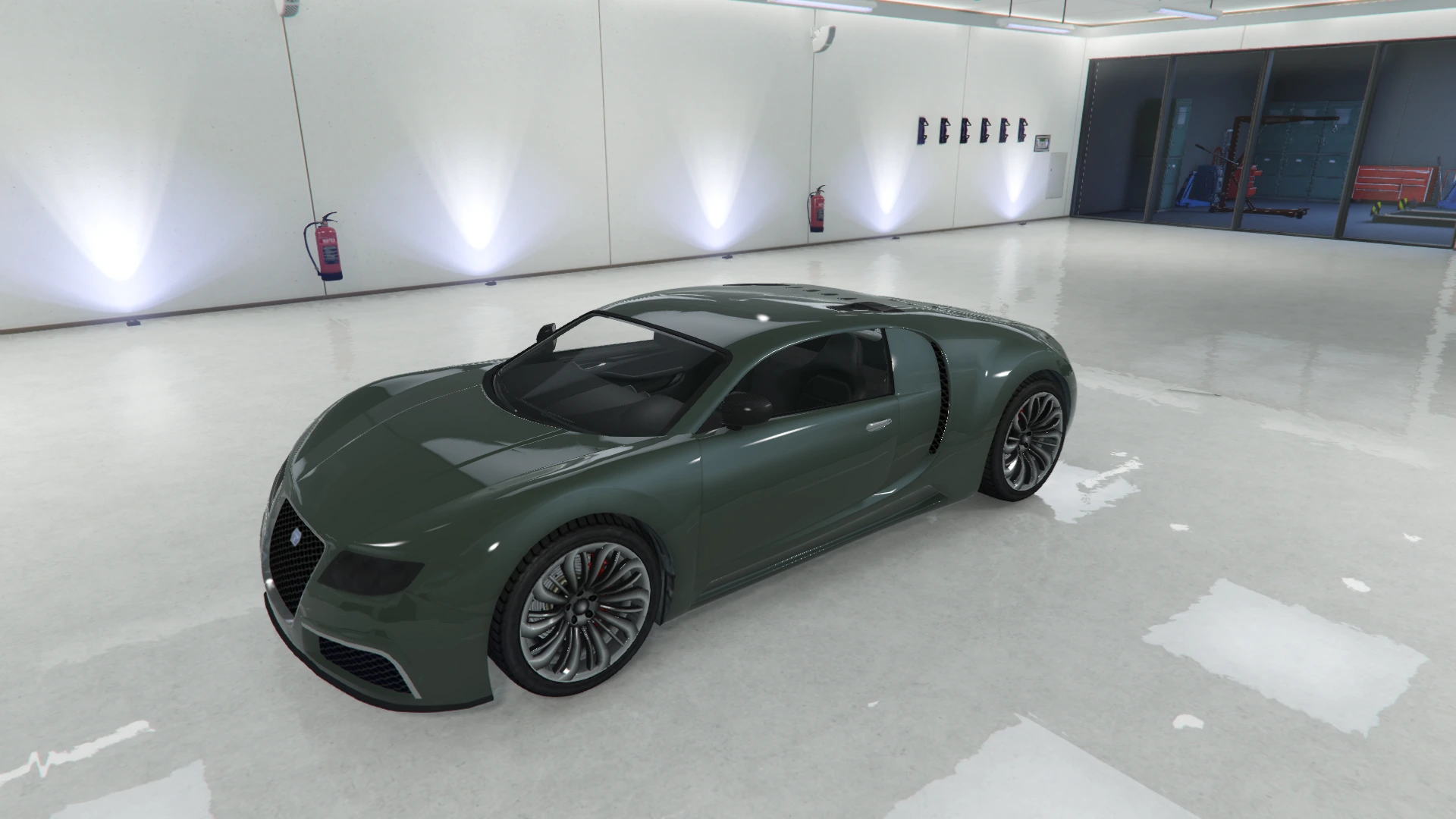 | 52 | Olive Green |
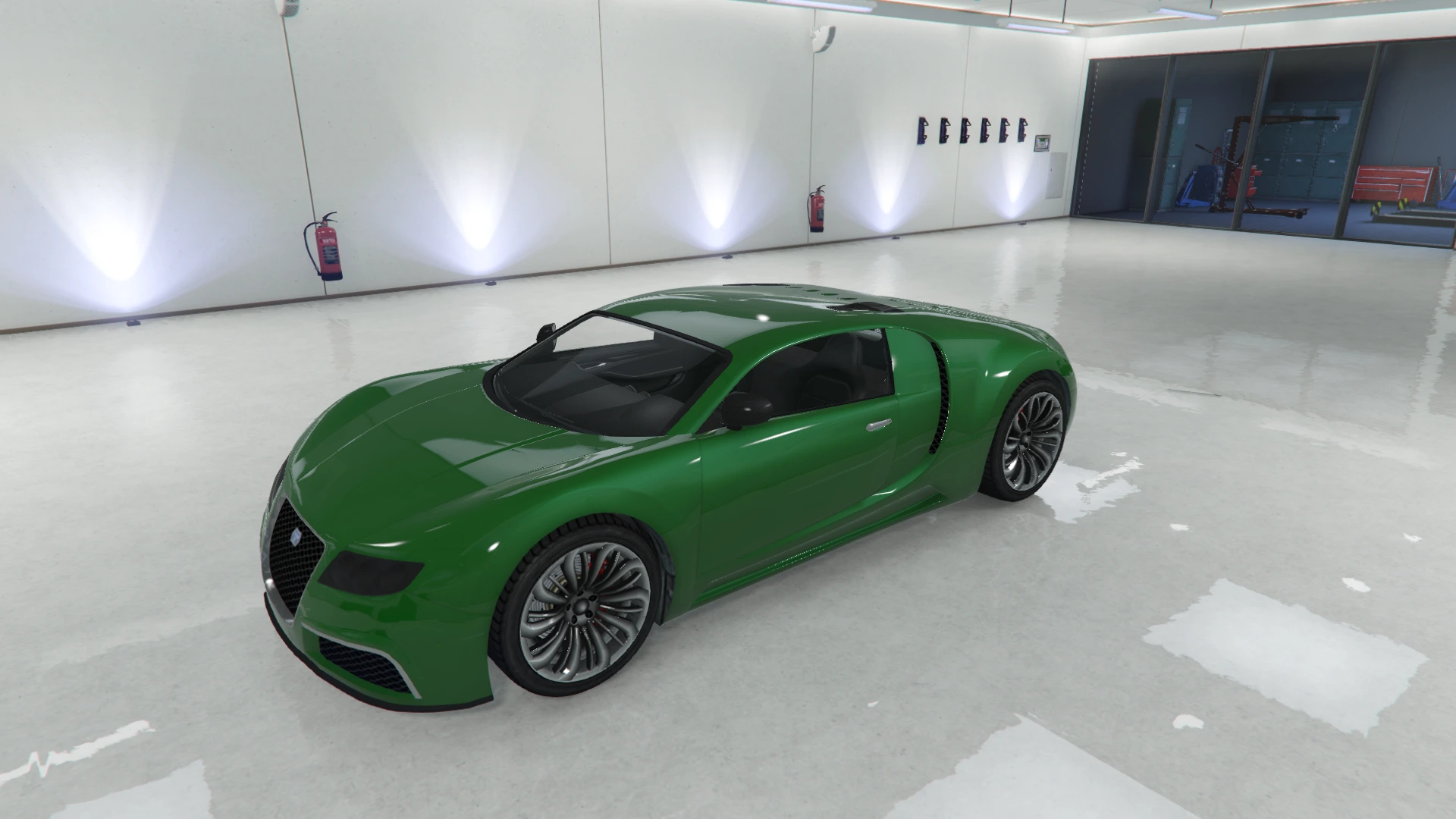 | 53 | Bright Green |
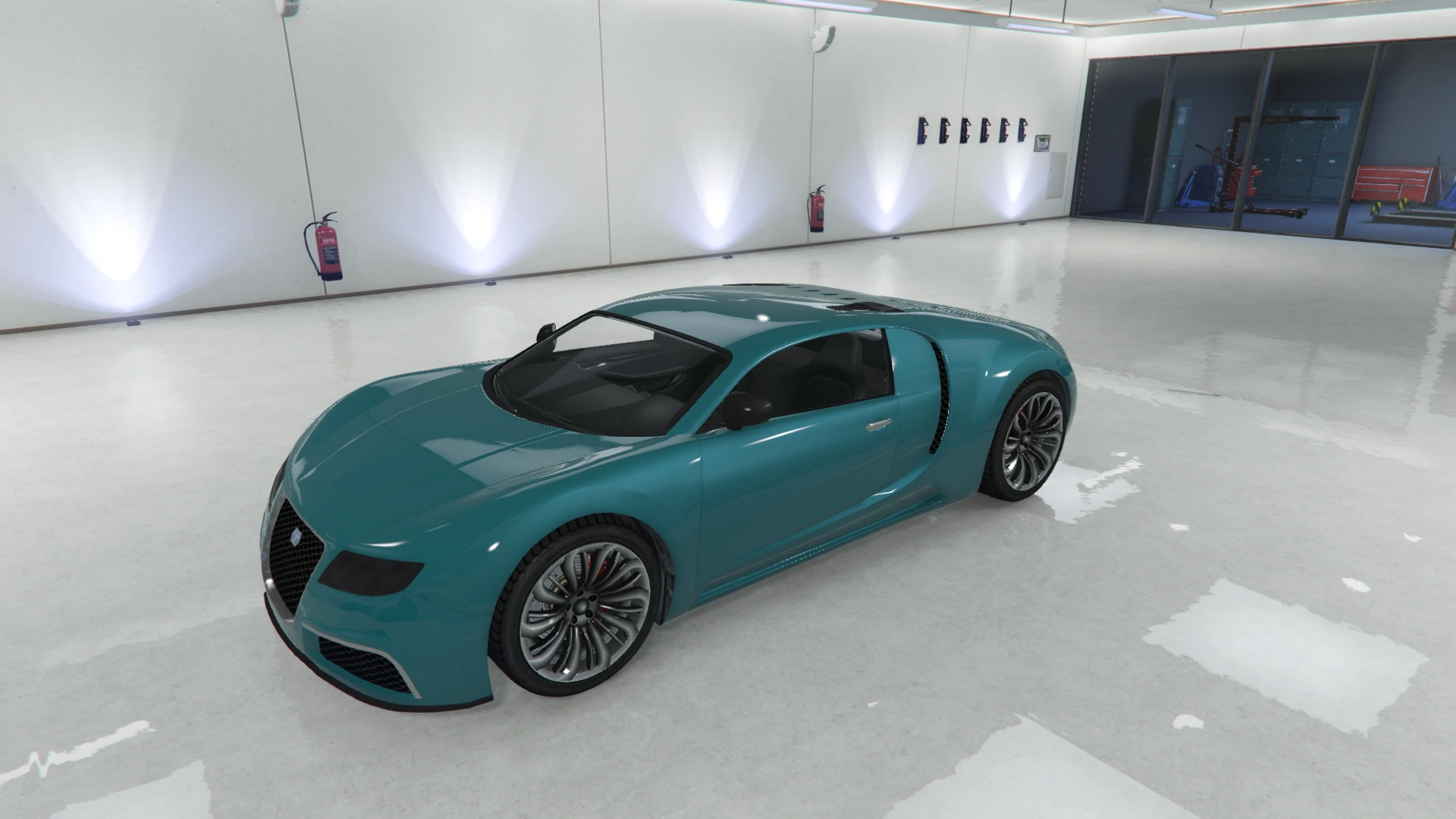 | 54 | Gasoline Green |
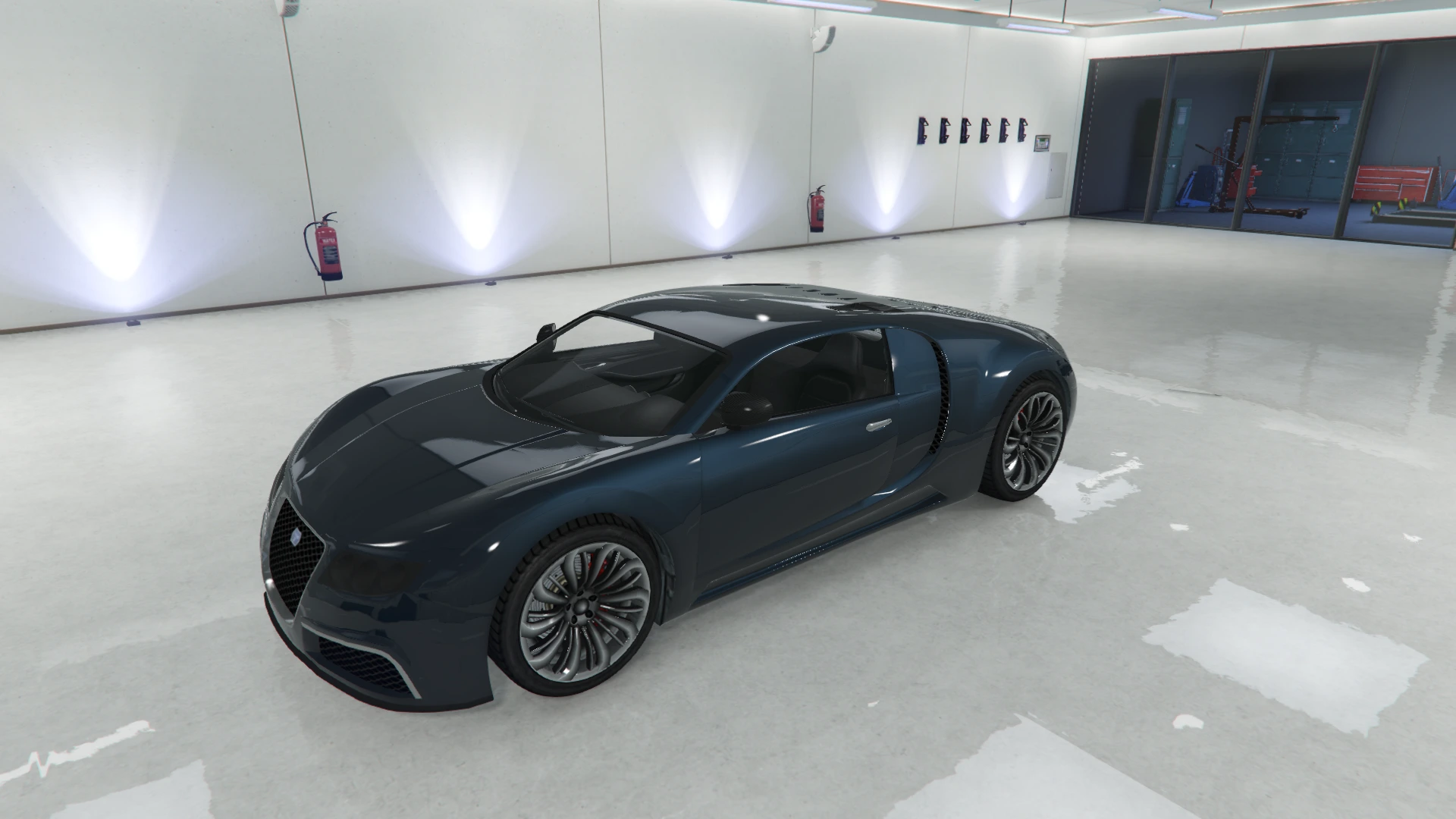 | 61 | Galaxy Blue |
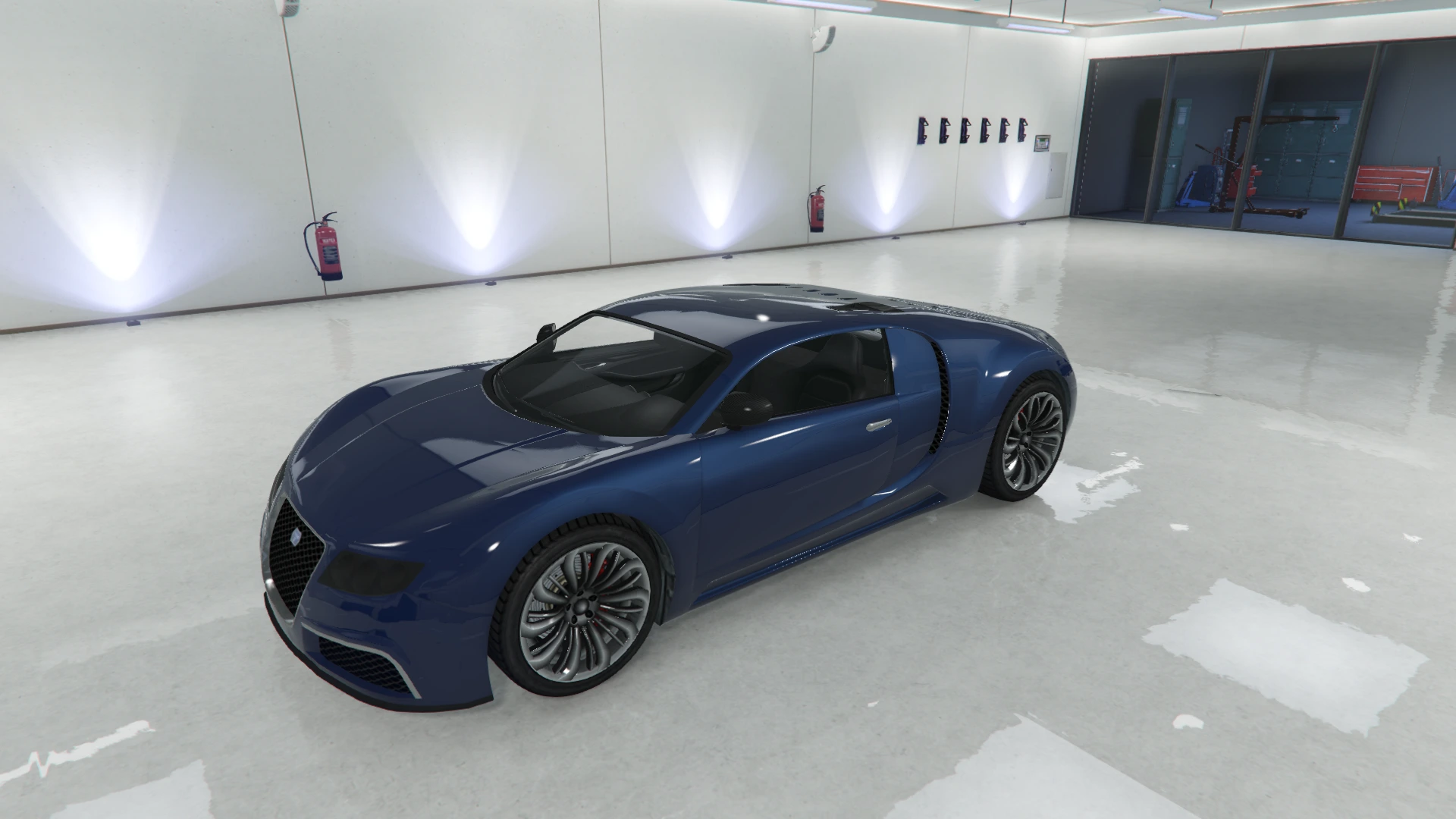 | 62 | Dark Blue |
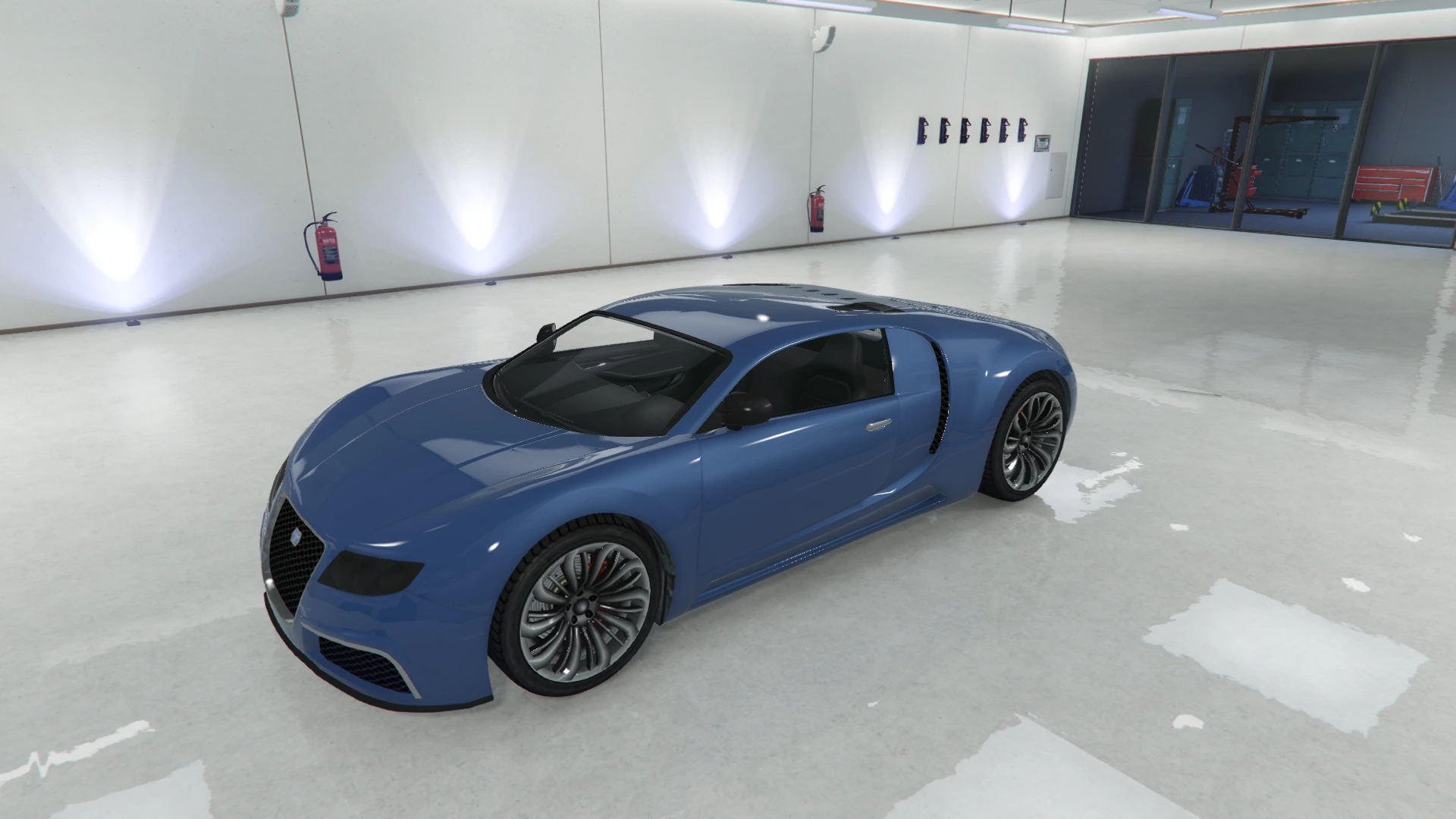 | 63 | Saxon Blue |
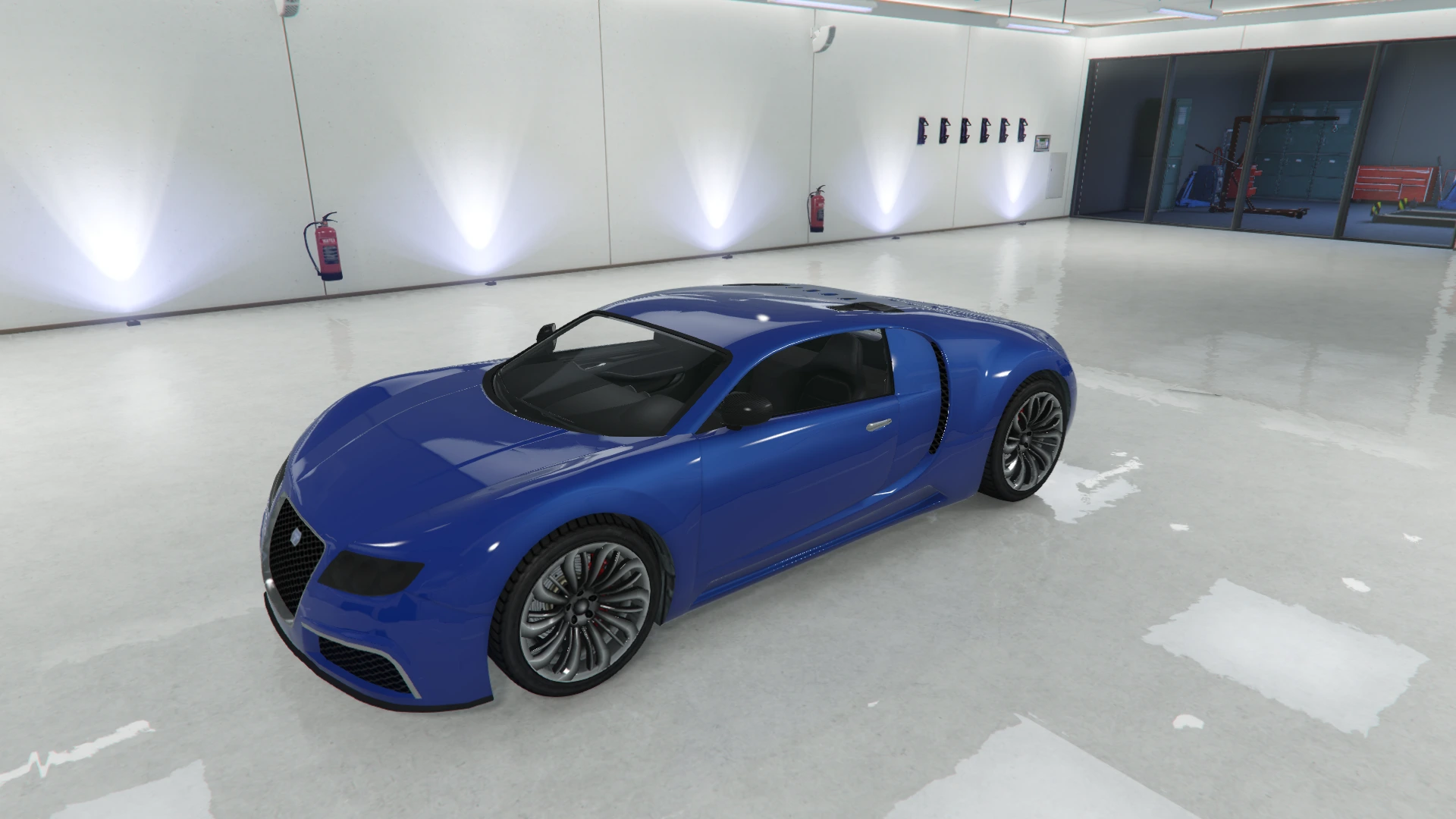 | 64 | Blue |
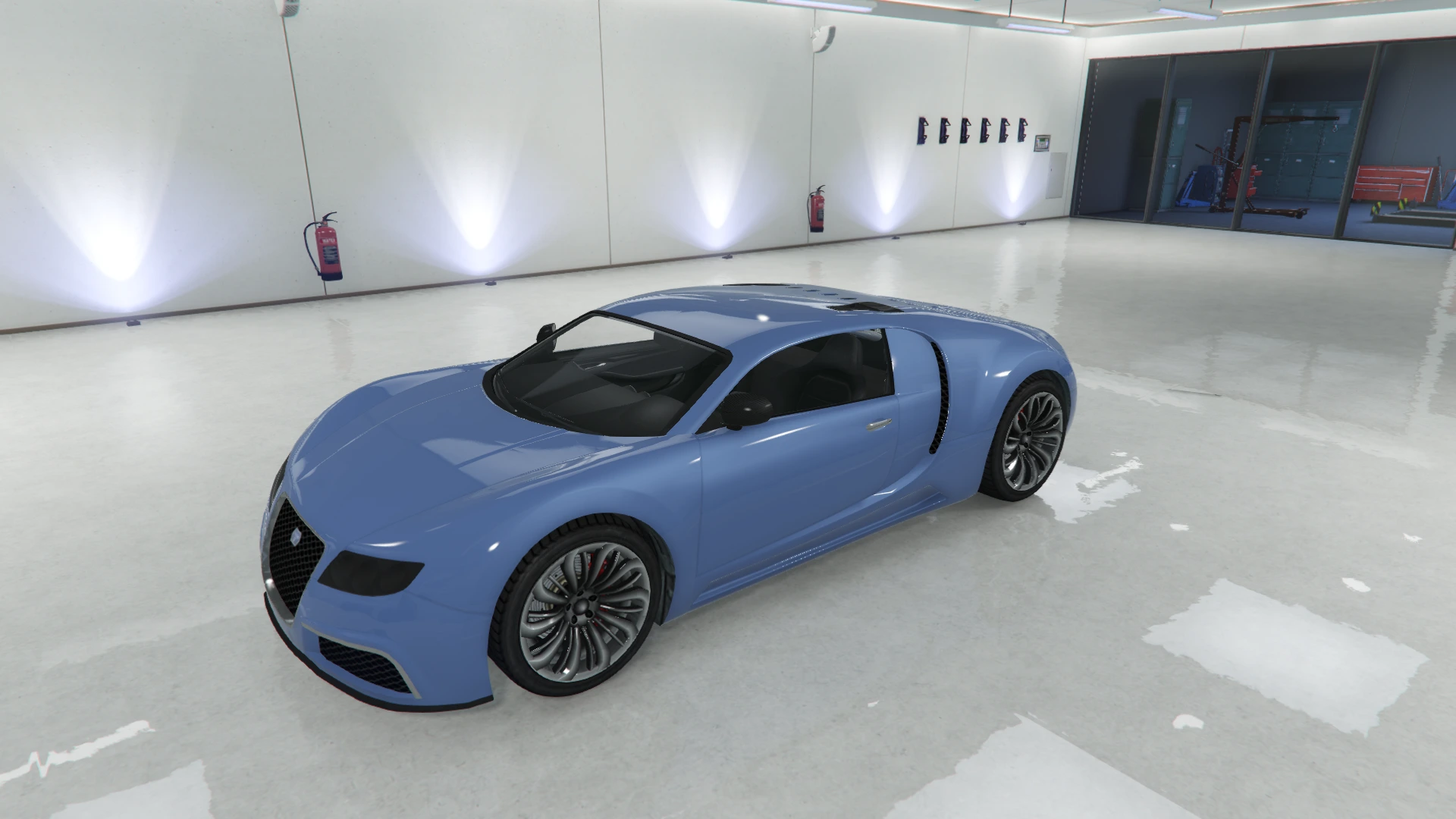 | 65 | Mariner Blue |
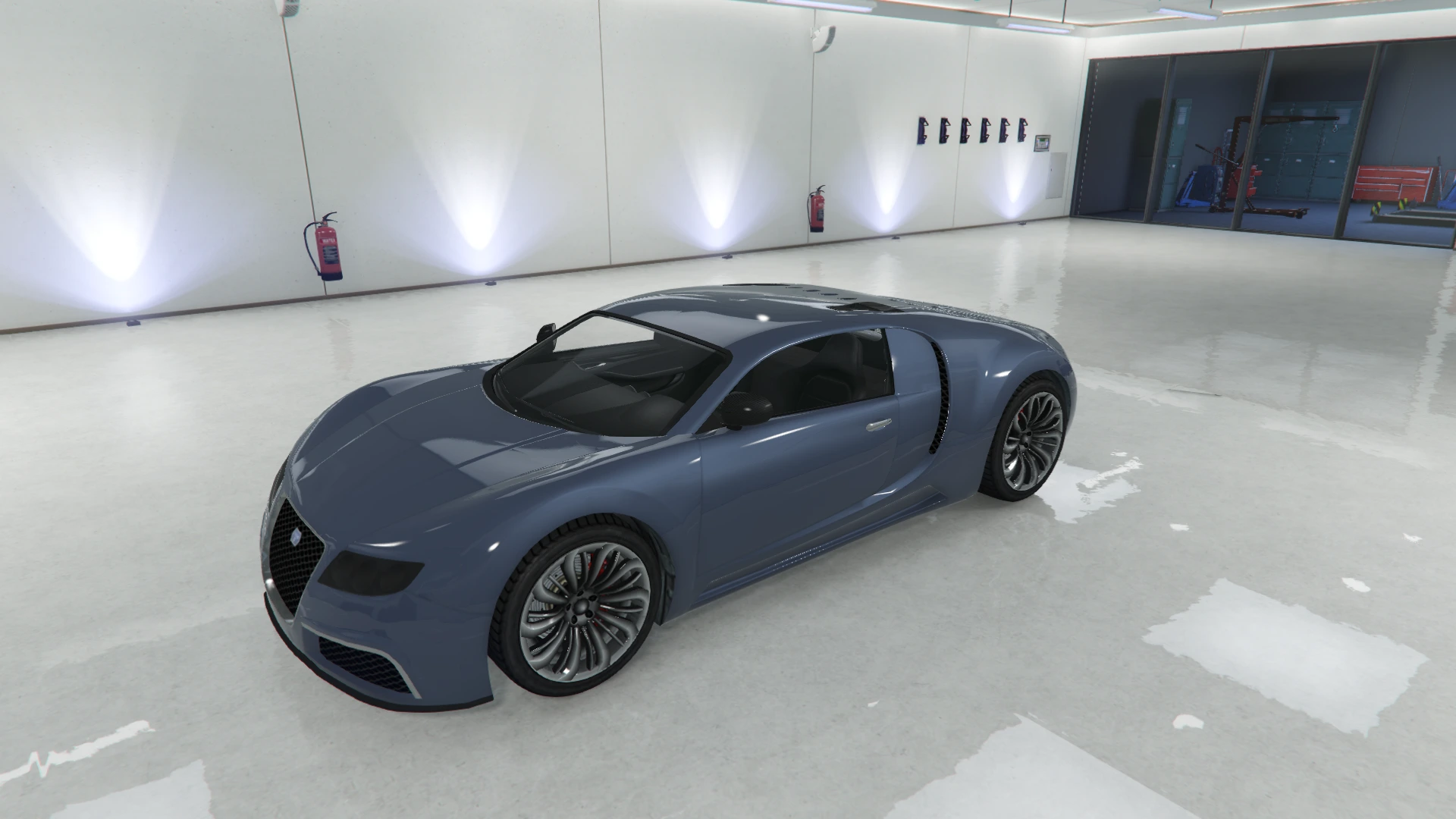 | 66 | Harbor Blue |
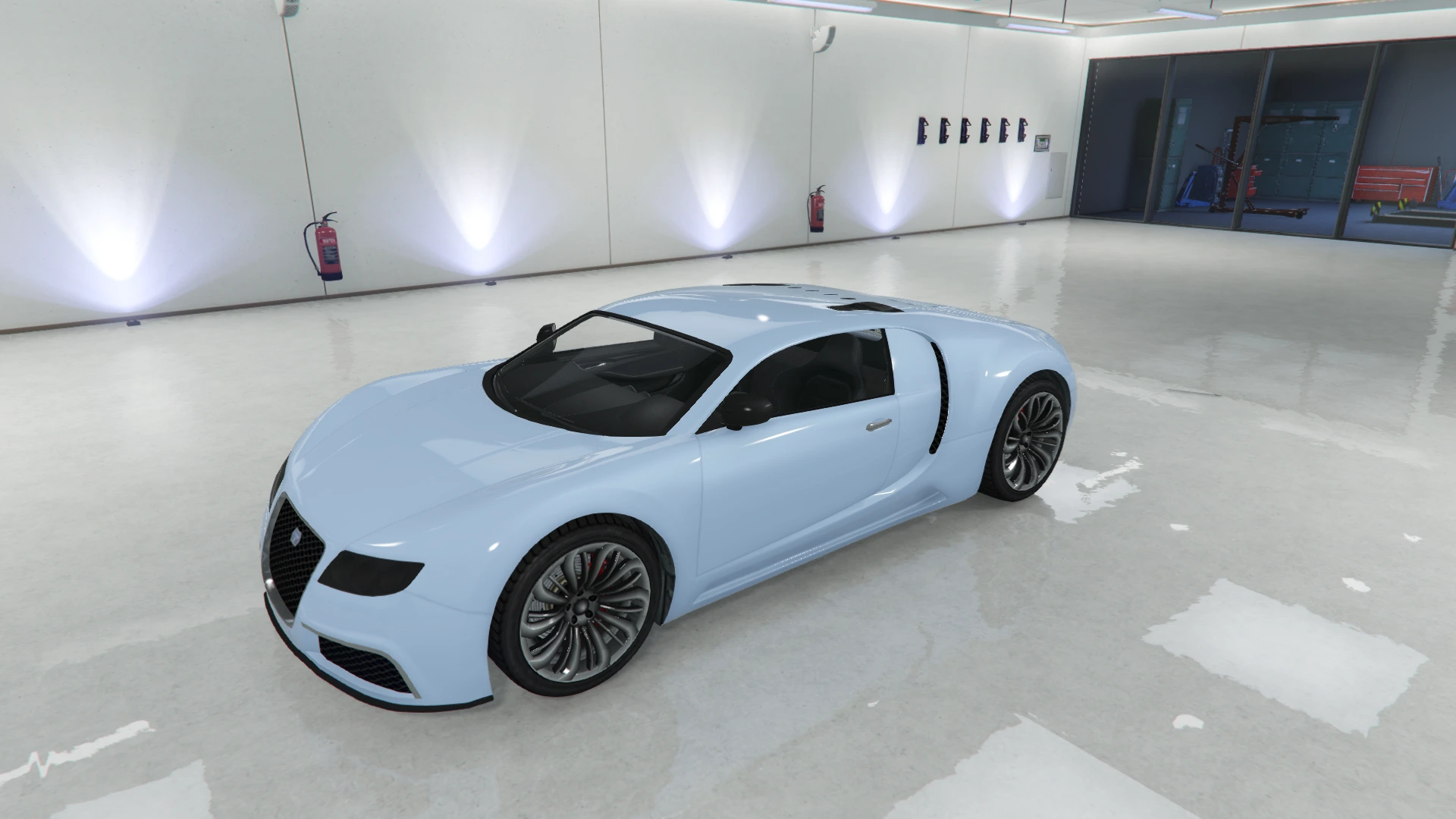 | 67 | Diamond Blue |
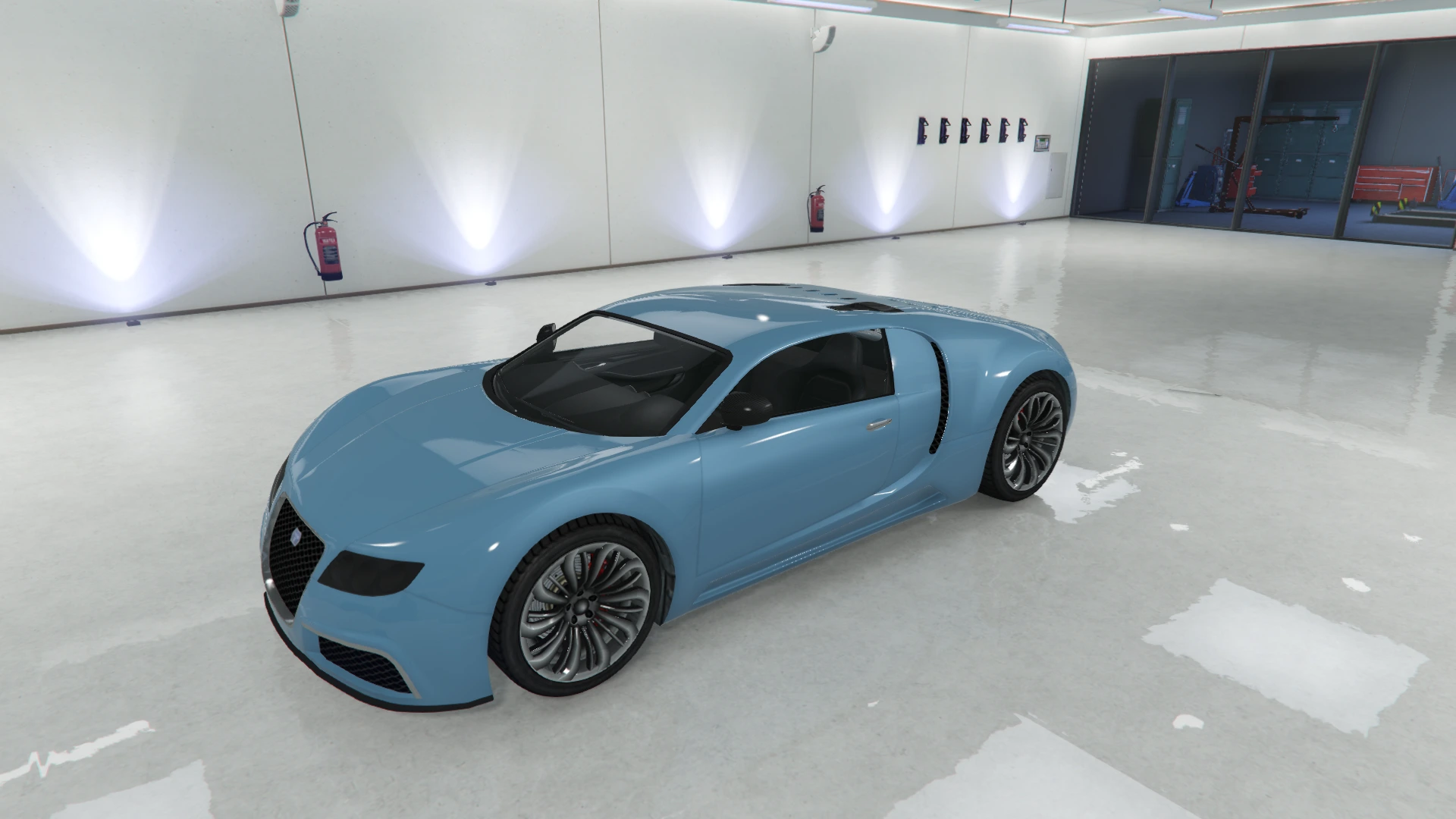 | 68 | Surf Blue |
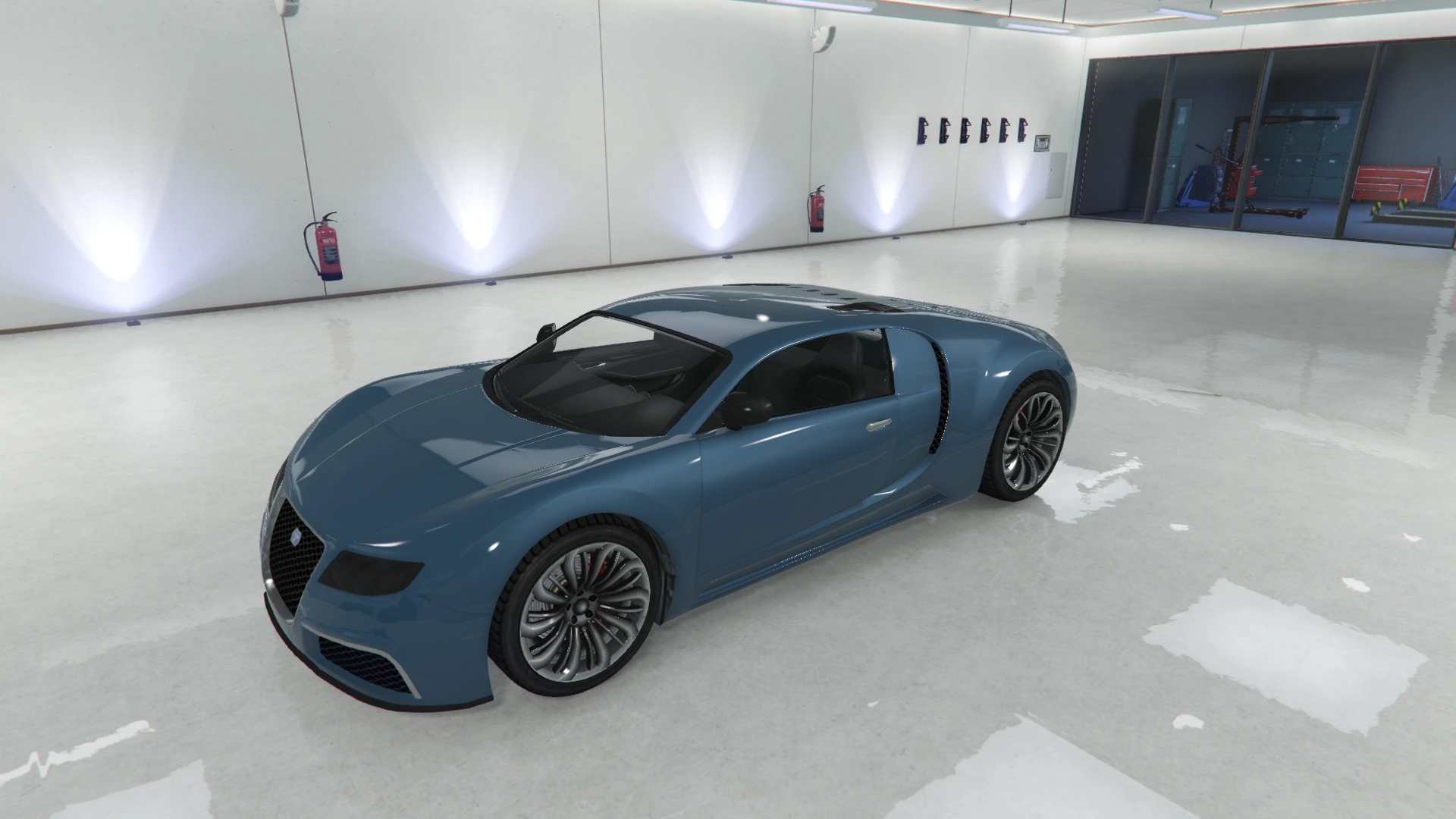 | 69 | Nautical Blue |
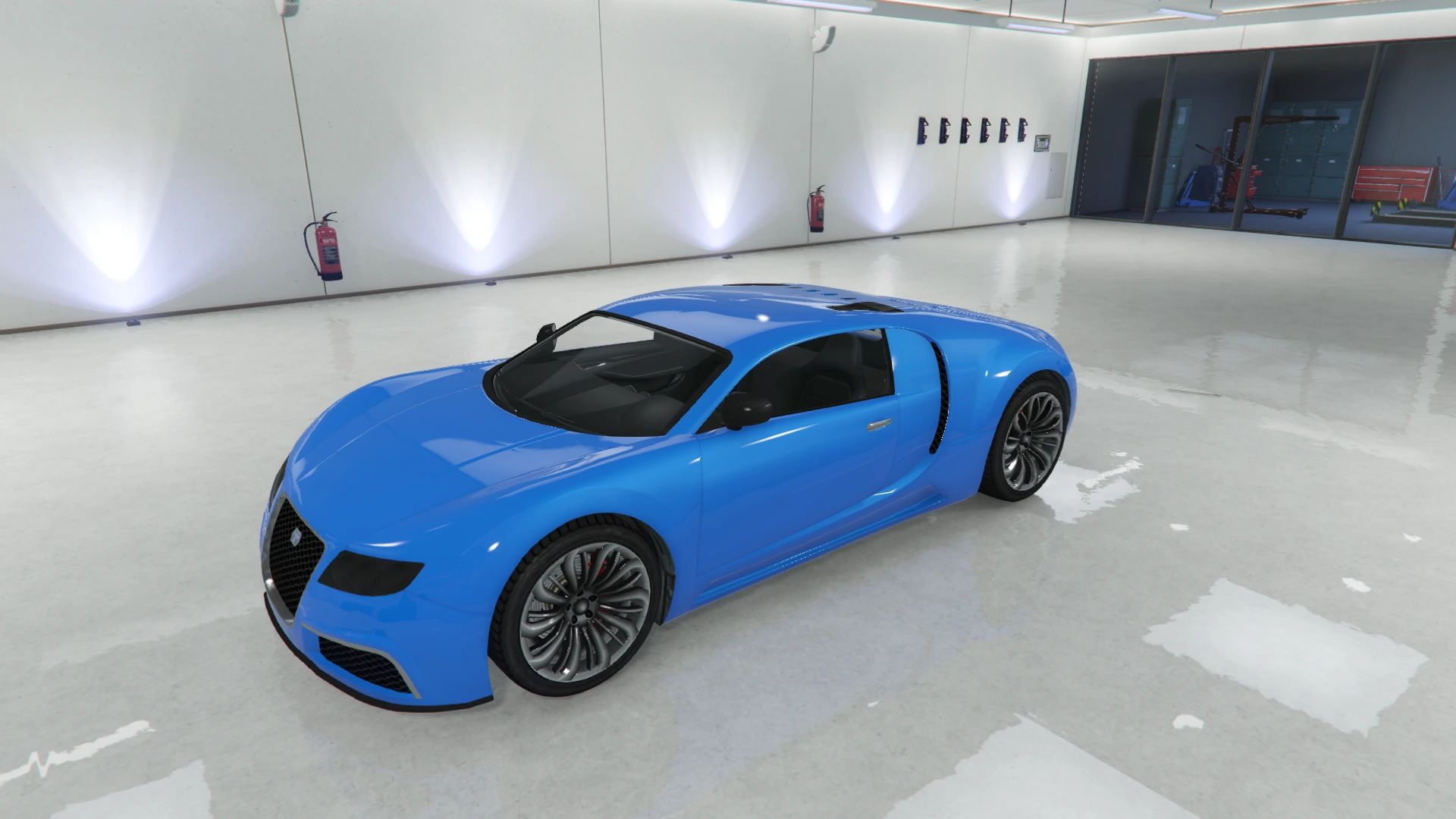 | 70 | Ultra Blue |
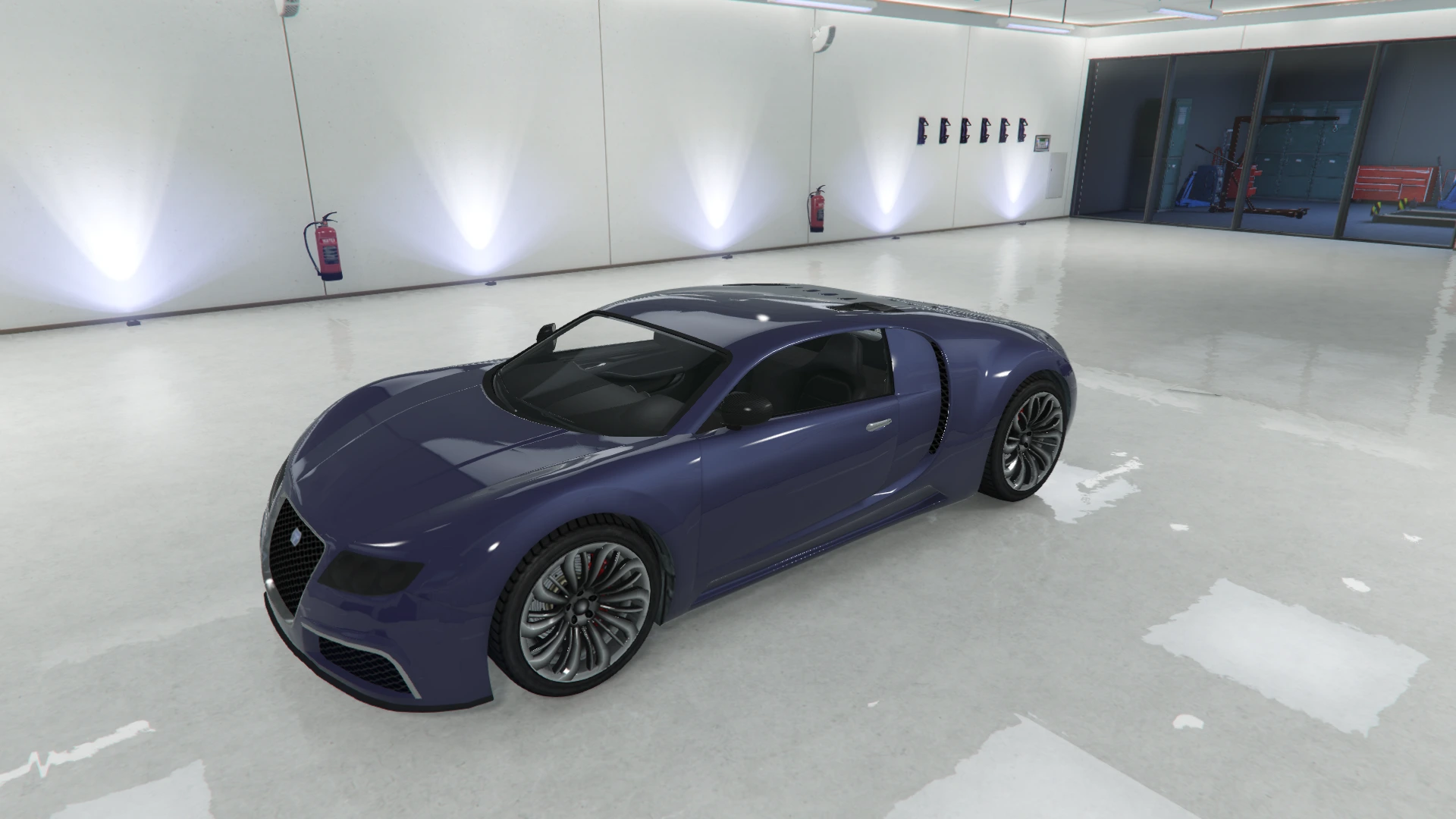 | 71 | Schafter Purple |
Source scope and usage notes
Vehicle paint indices are not HUD color indices. Preview groups retain their metallic, matte, metal and unnamed classifications. Unnamed source colors remain unnamed; the pictured finish is not an exact display-independent RGB specification.
Images are served from this repository, not hotlinked. Empty source fields and unknown identifiers are retained as unknown. View the official source or download the complete dataset.